
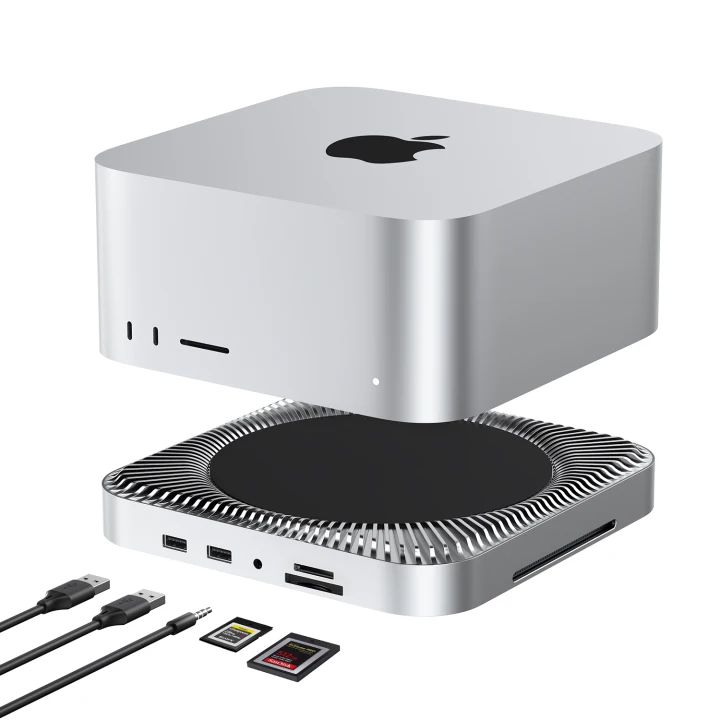
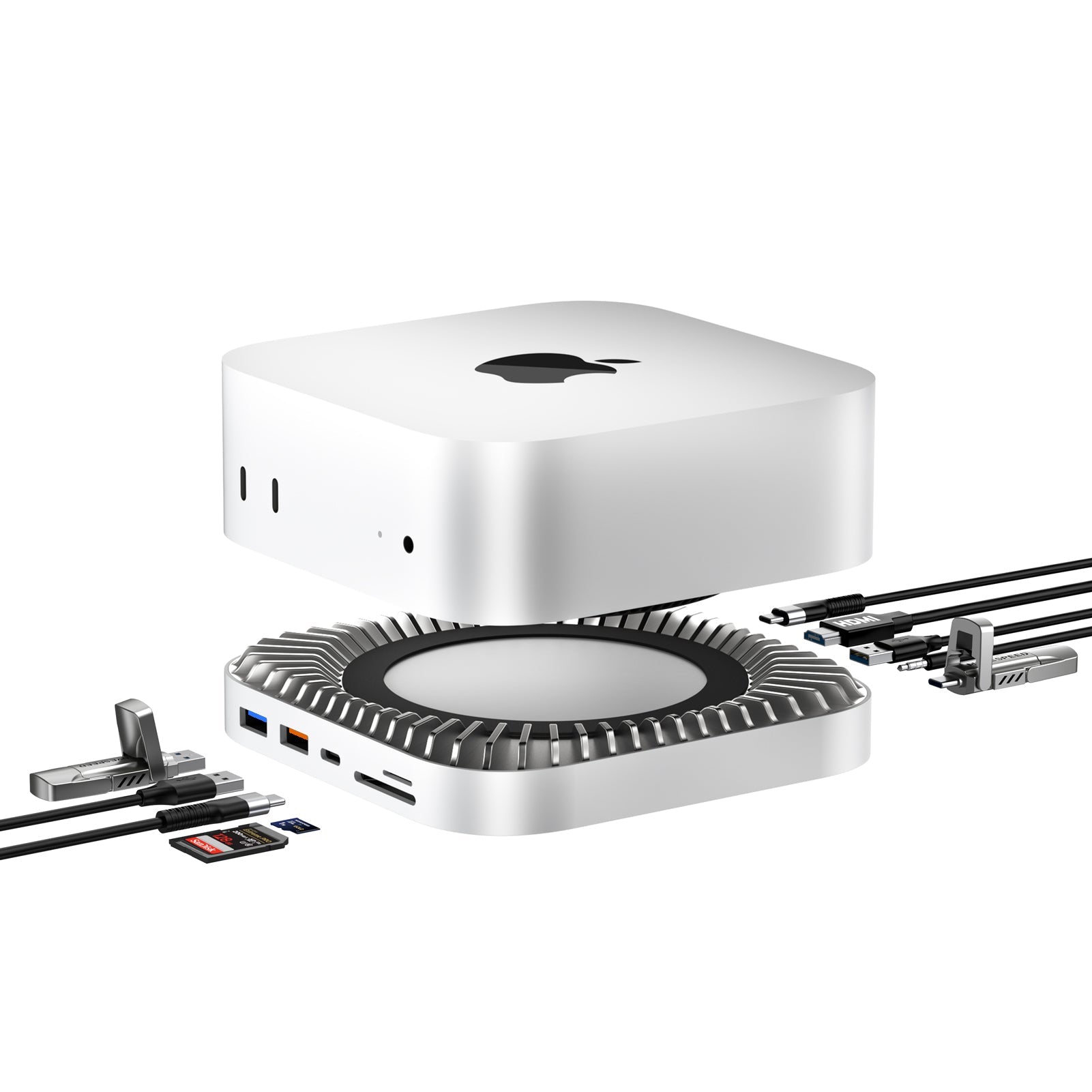
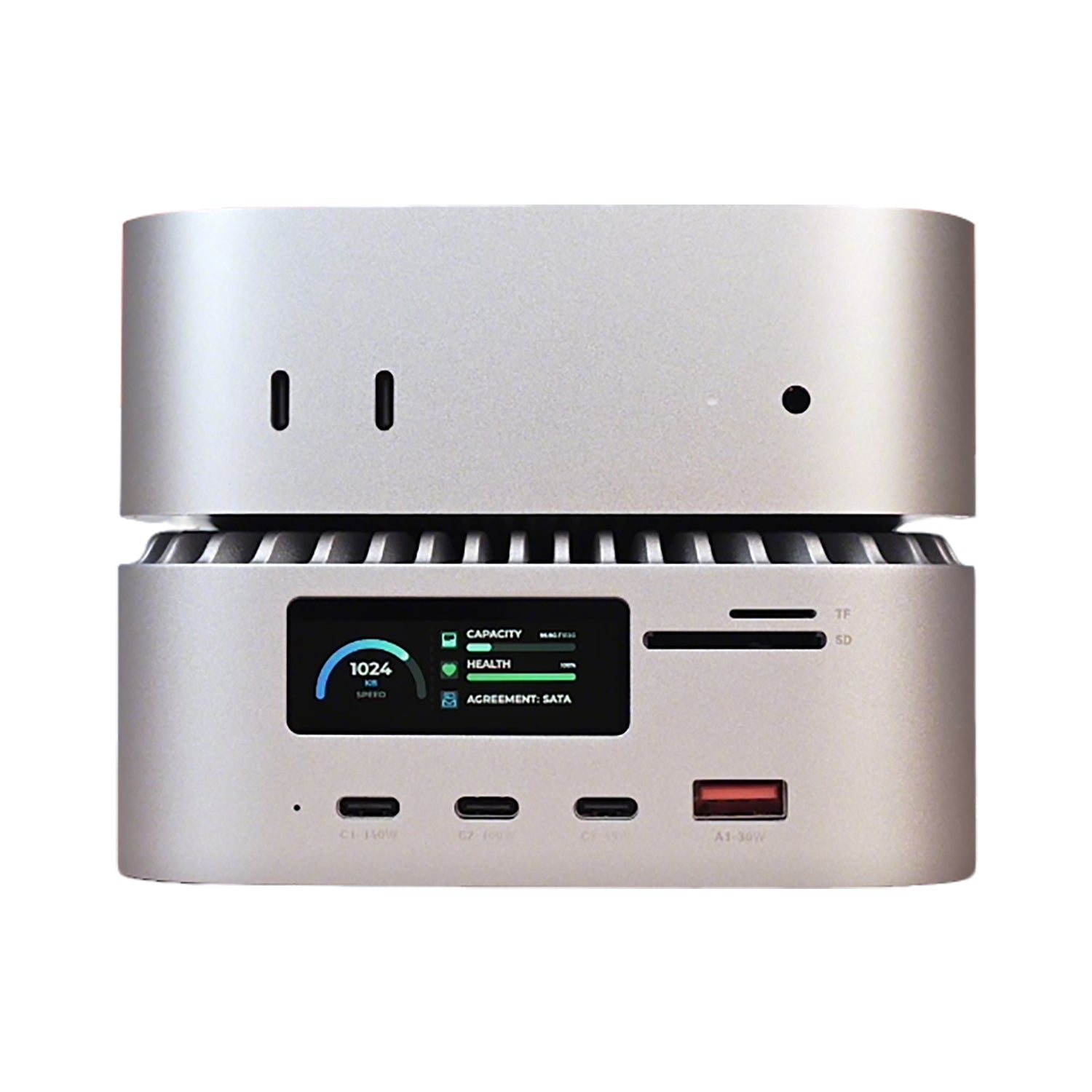

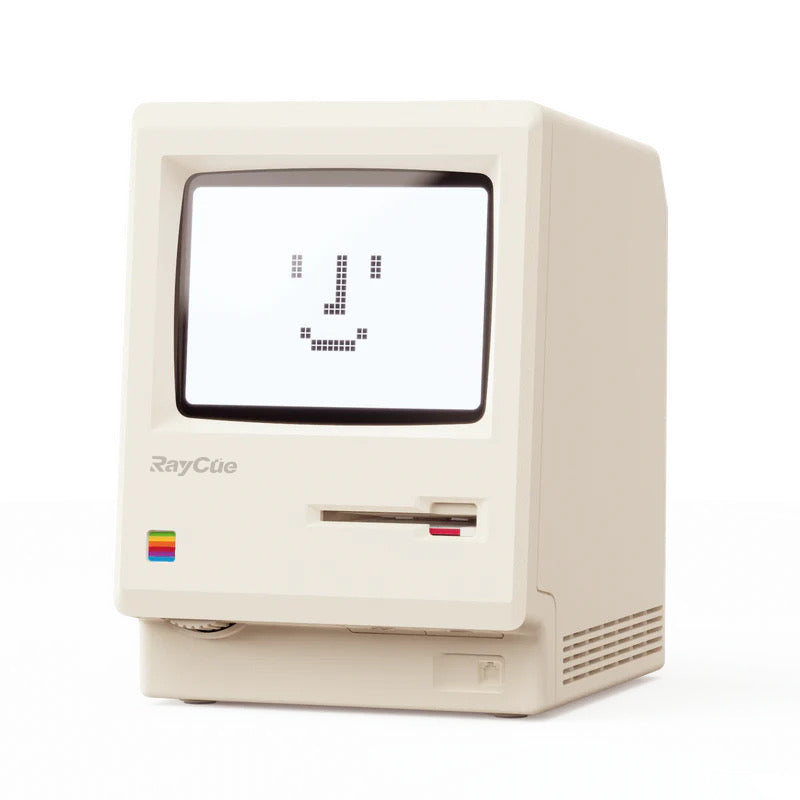
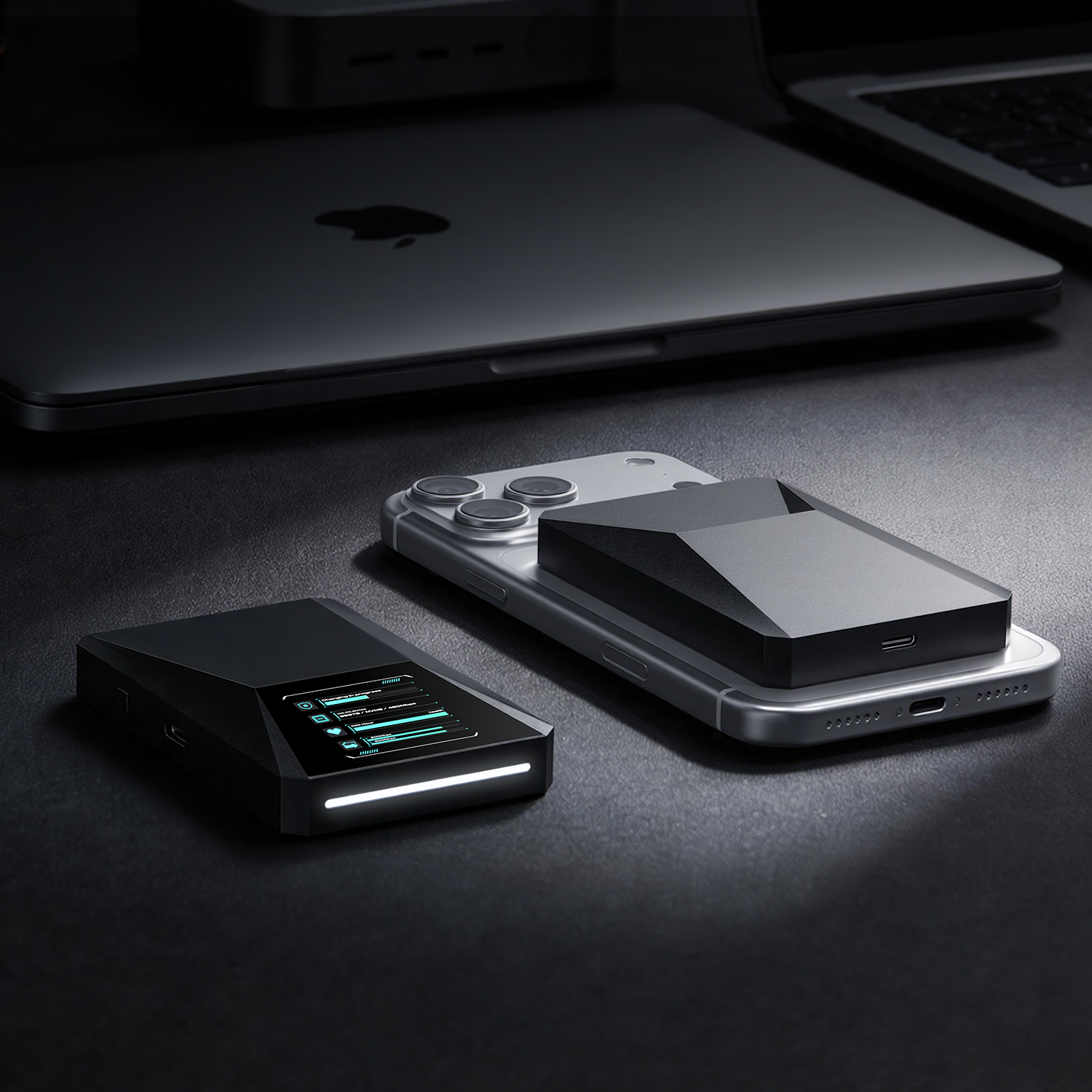
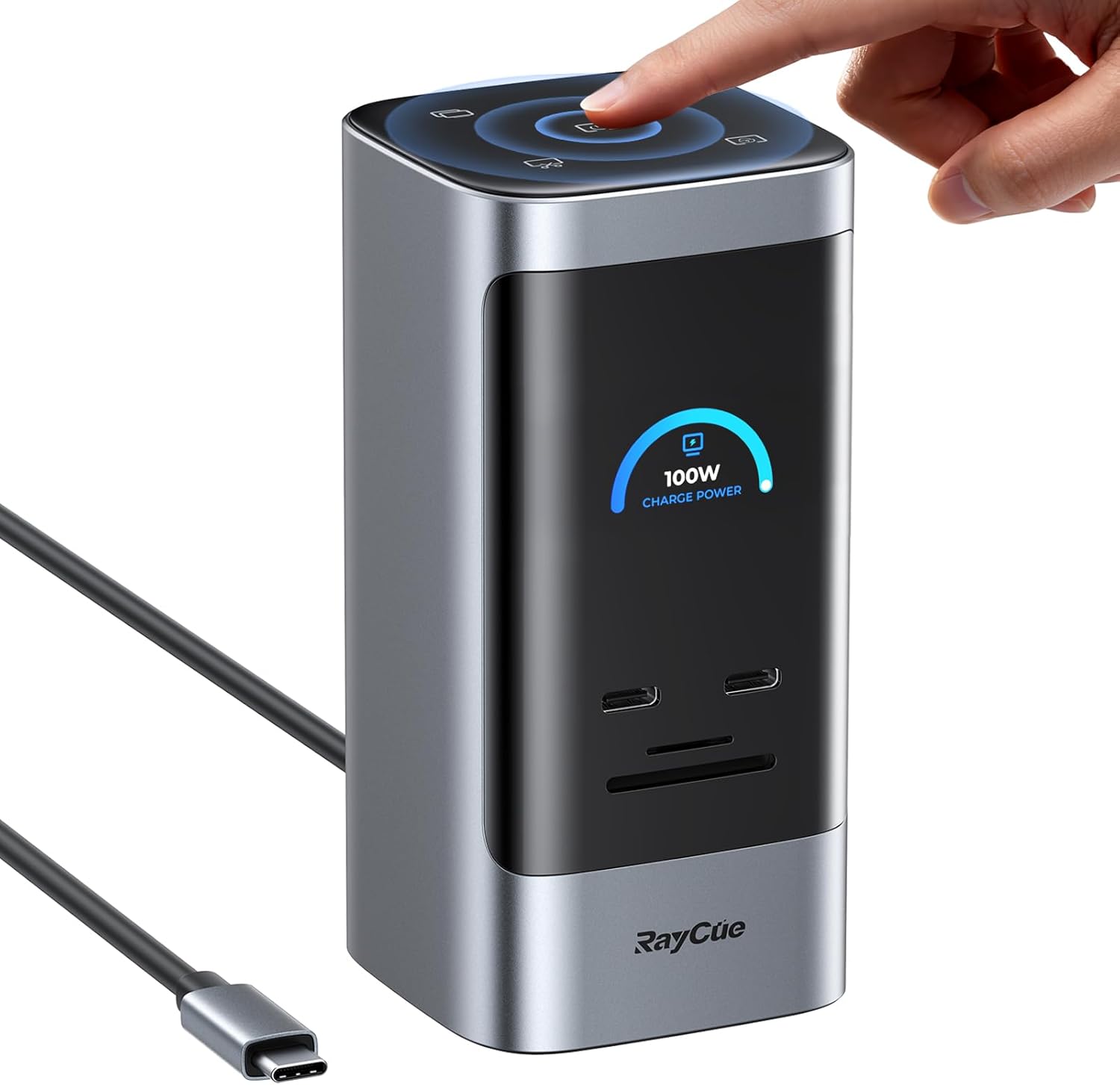

The RayCue Unify15 (15-in-1 Quad Display Docking Station) changes the game. Unlike most multi-screen docks on the market, the Unify15 delivers massive connectivity with a True Plug-and-Play experience. No drivers, no software, just pure hardware power.
1. The "No-Driver" Advantage: Why It Matters
Most quad-display docks use DisplayLink, which requires software to "simulate" video output. The RayCue Unify15 is different.
-
IT-Friendly: Since there’s no software to install, it’s perfect for office laptops with restricted administrative rights.
-
Native Performance: By using high-end hardware chips (MST) instead of software compression, you get a more stable, lag-free experience.
-
Instant Setup: Connect the cable, and your screens wake up instantly. No "DisplayLink Manager" icon sitting in your taskbar.
2. 15-in-1 Connectivity: The Ultimate Desk Command Center
The Unify15 is designed to be the "brain" of your workstation.
| Zone | Port Type | Performance Highlight |
| Video Output | 3x HDMI + 1x DP | 4K@60Hz native output without software lag |
| Data Speed | 3x USB 3.2 (10Gbps) | Perfect for high-speed NVMe external drives |
| Full Power | PD 3.0 (100W) | One cable charges your laptop and syncs all data |
| Legacy Ports | USB 2.0 + SD/TF | Dedicated ports for your mouse, keyboard, and camera cards |
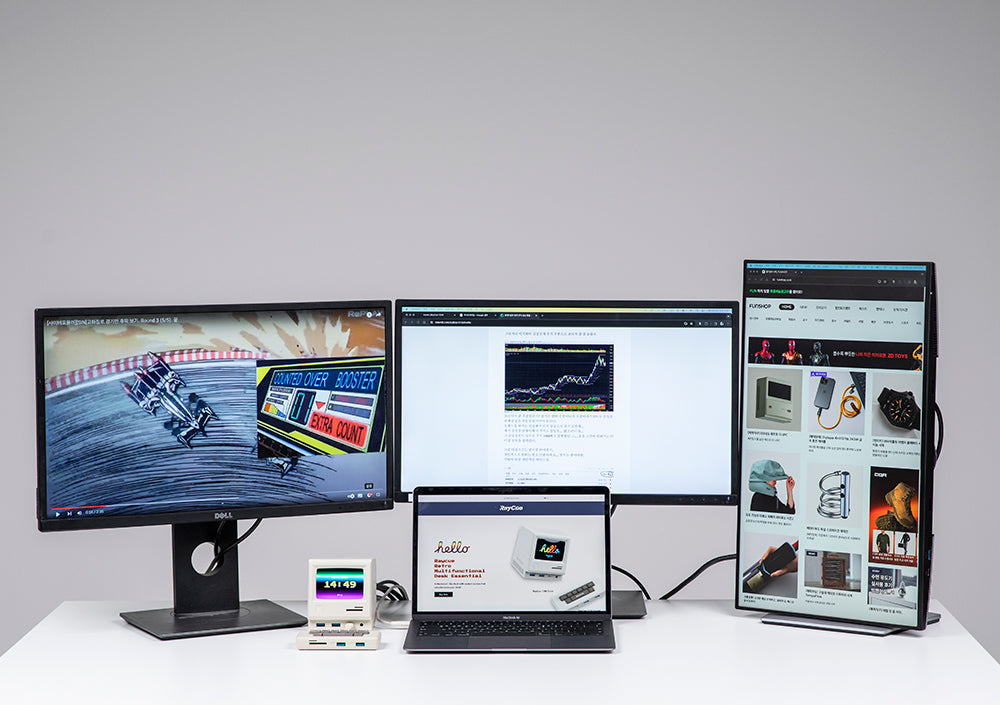
3. Real-World Test: Driving 4 Screens Simultaneously
We tested the Unify15 on a high-end Windows workstation and a USB4-enabled laptop.
-
The Hookup: Plugged in the 100W power supply and connected the host cable to the laptop.
-
The Monitors: We populated all 4 ports (3x HDMI + 1x DP).
-
The Result: Windows immediately recognized all four displays. We were able to extend the desktop across 4 screens in 4K resolution effortlessly.
-
Note: For Mac users, please check your specific chip's MST support, as macOS handles multi-stream transport differently than Windows.
-
4. Design Built for Performance
Driving four monitors creates heat, but the Unify15 is built like a tank.
-
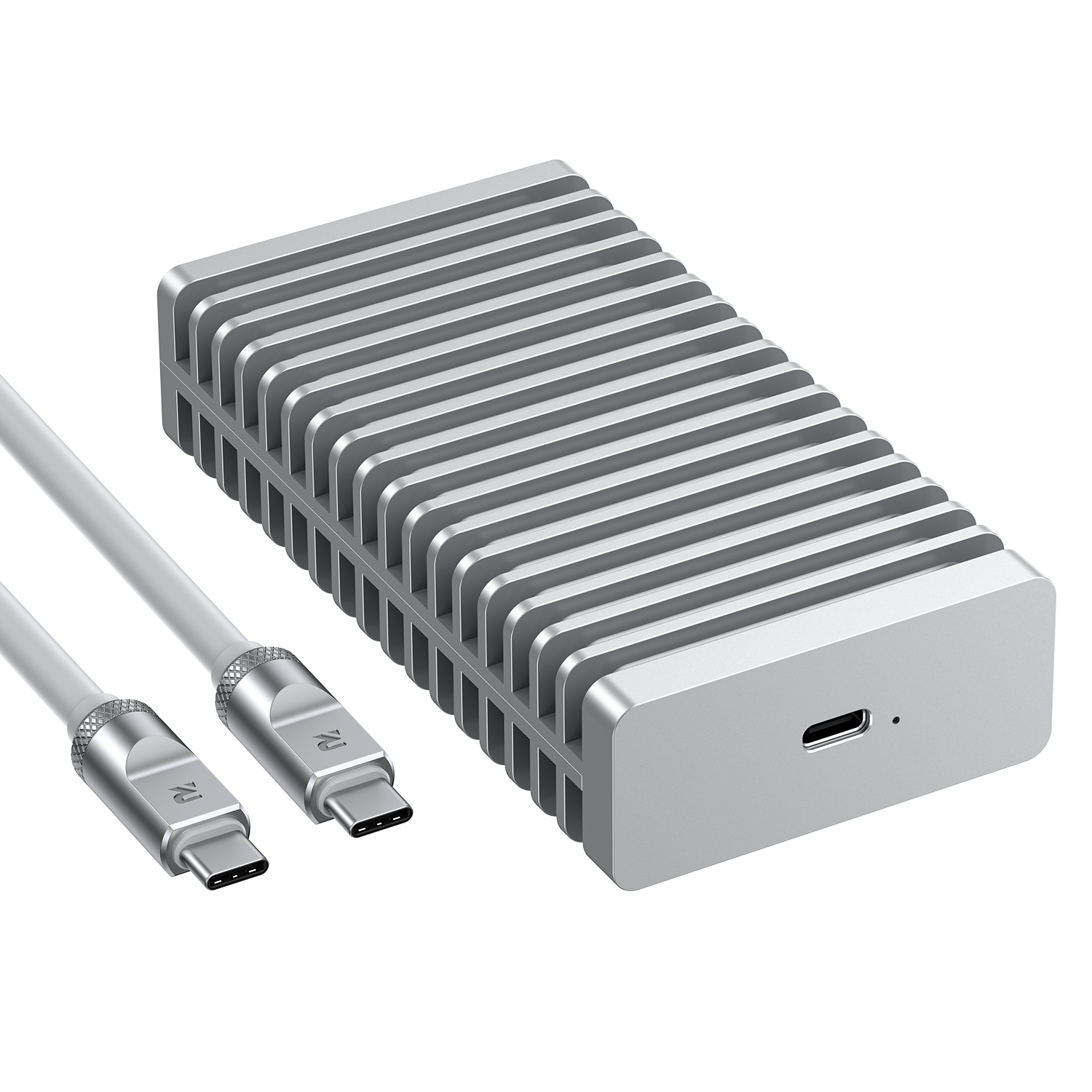
Aluminum Alloy Chassis: Acts as a giant heat sink to keep internal chips cool during 24/7 operation.
-
Vertical Orientation: Saves 50% more desk space compared to traditional "lying flat" docking stations.
-
Anti-Slip Base: Stays firmly in place even when all 15 ports are populated with heavy cables.
5. Final Verdict: The Best Driverless Hub of 2026?
The RayCue Unify15 is a rare find. Most manufacturers take the easy route with software-driven displays, but RayCue has opted for a superior, hardware-first approach.
-
Buy it if: You want a clean, professional setup without the hassle of software updates or driver crashes.
-
Best for: Engineers, Analysts, and Enterprise users who need maximum screen real estate with zero setup friction.
FAQ (SEO Optimized)
-
Do I need to install any software for RayCue Unify15? No. It is a completely driverless, plug-and-play docking station.
-
Does it support 4K 60Hz? Yes, it supports high-resolution 4K output across its video ports.
-
Is it compatible with Windows and Mac? It is compatible with both, though Windows users will benefit most from the Quad-Display MST features.

Deixar comentário
Os comentários precisam ser aprovados antes da publicação.
Este site é protegido por hCaptcha e a Política de privacidade e os Termos de serviço do hCaptcha se aplicam.