

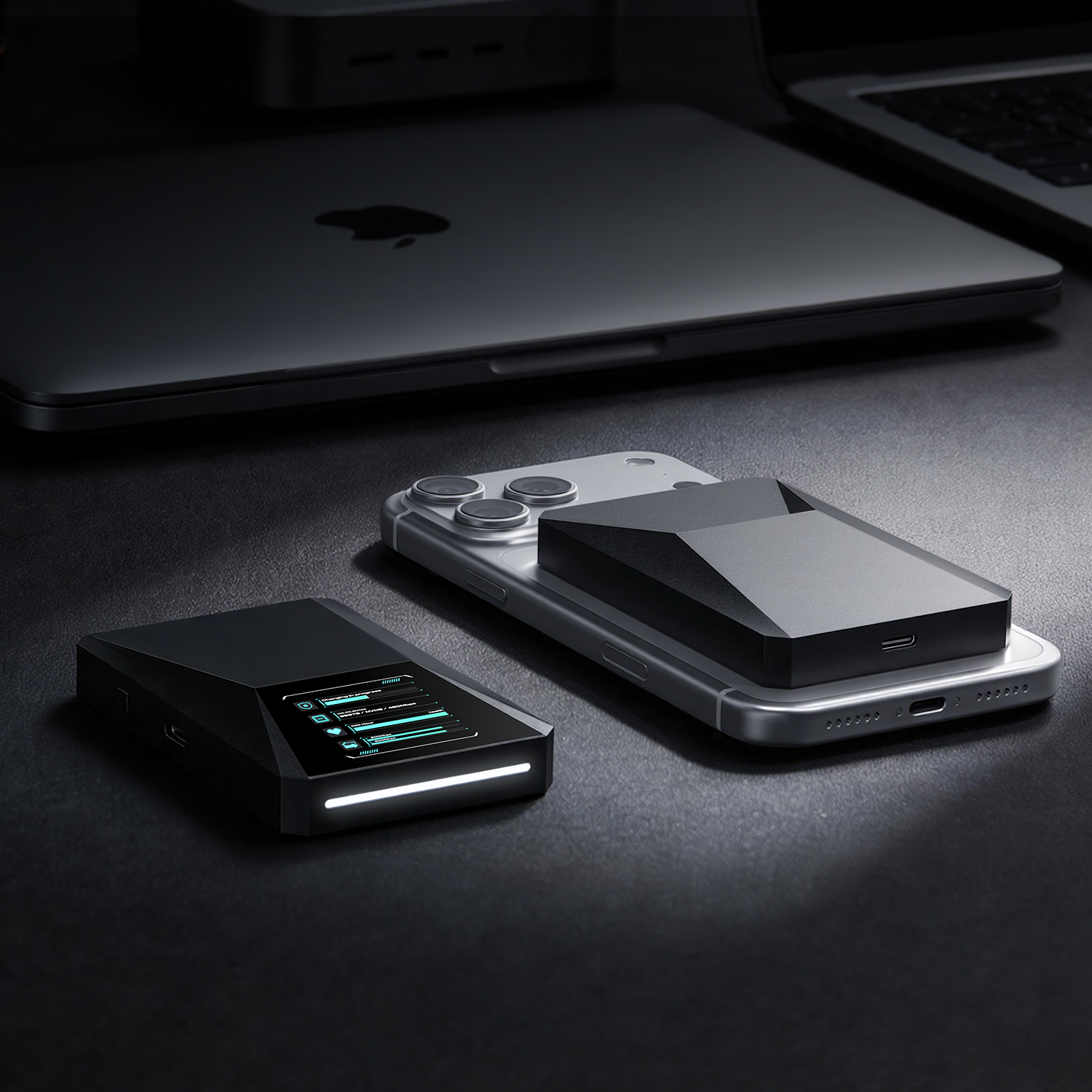

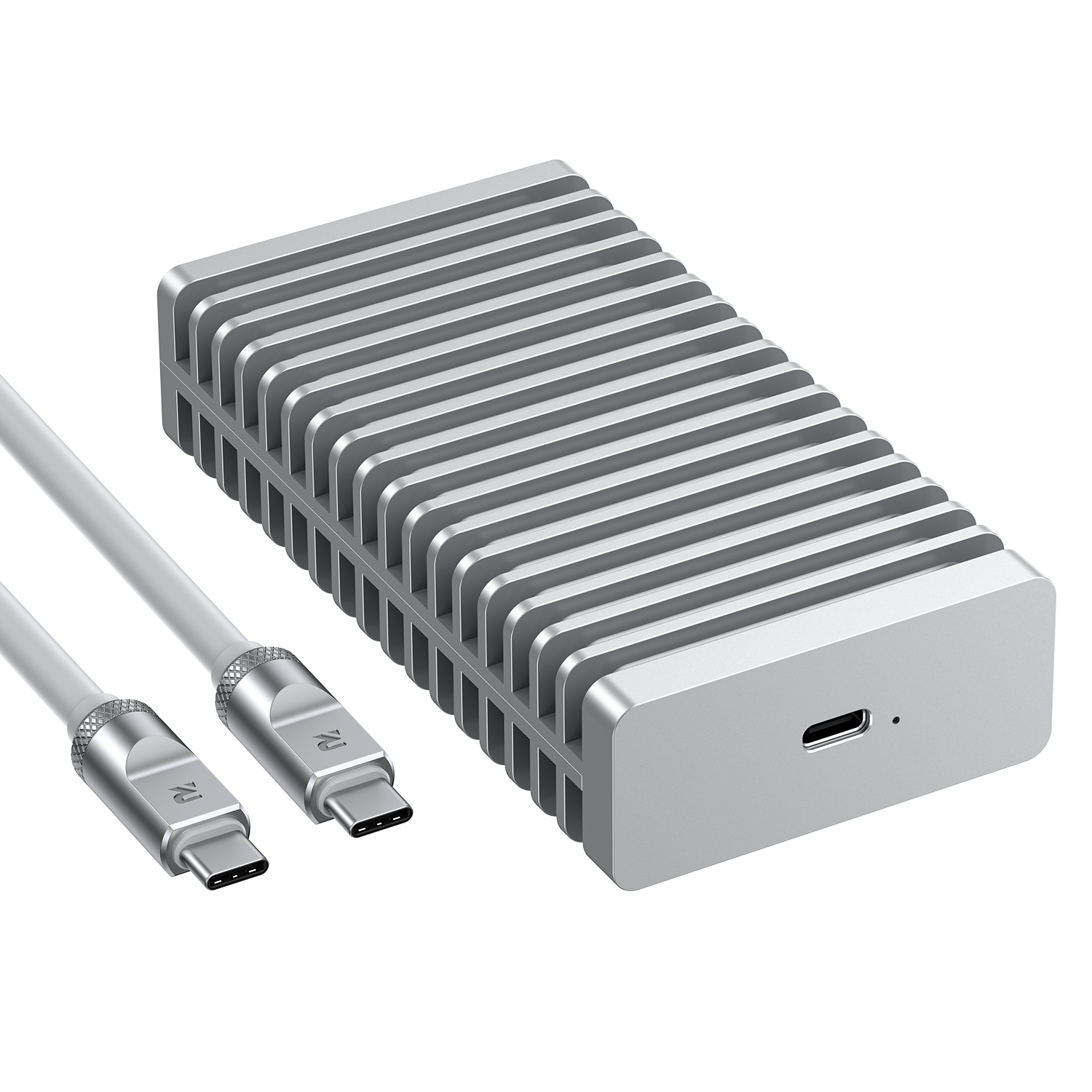

Stop Using Your iPhone Pro as a "Camera" Until You Have This
The iPhone 17 Pro is a cinematic beast, but Apple's marketing conveniently leaves out one detail: ProRes 4K at 120fps is a storage assassin. A single minute of ProRes Log footage can swallow up to ...
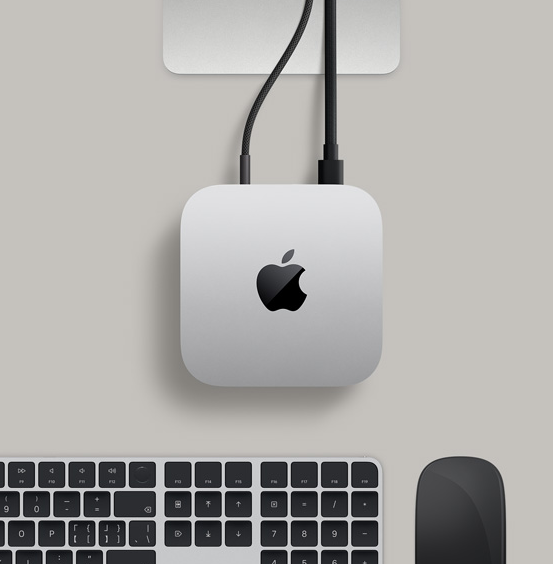
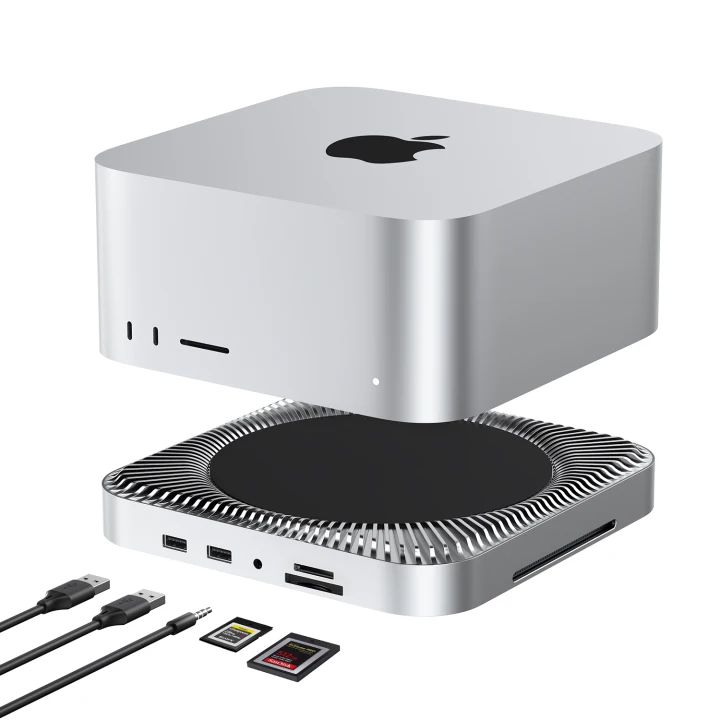
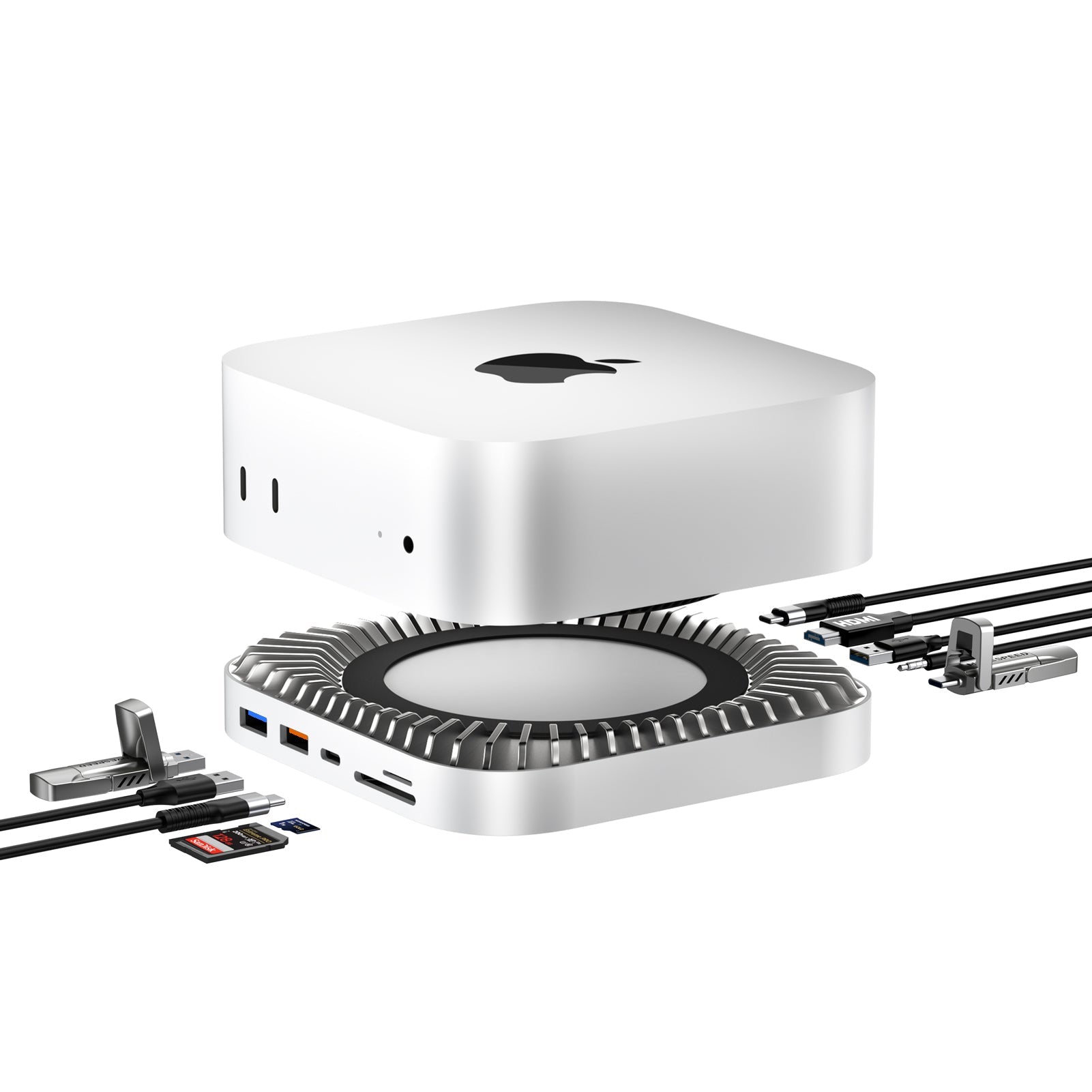
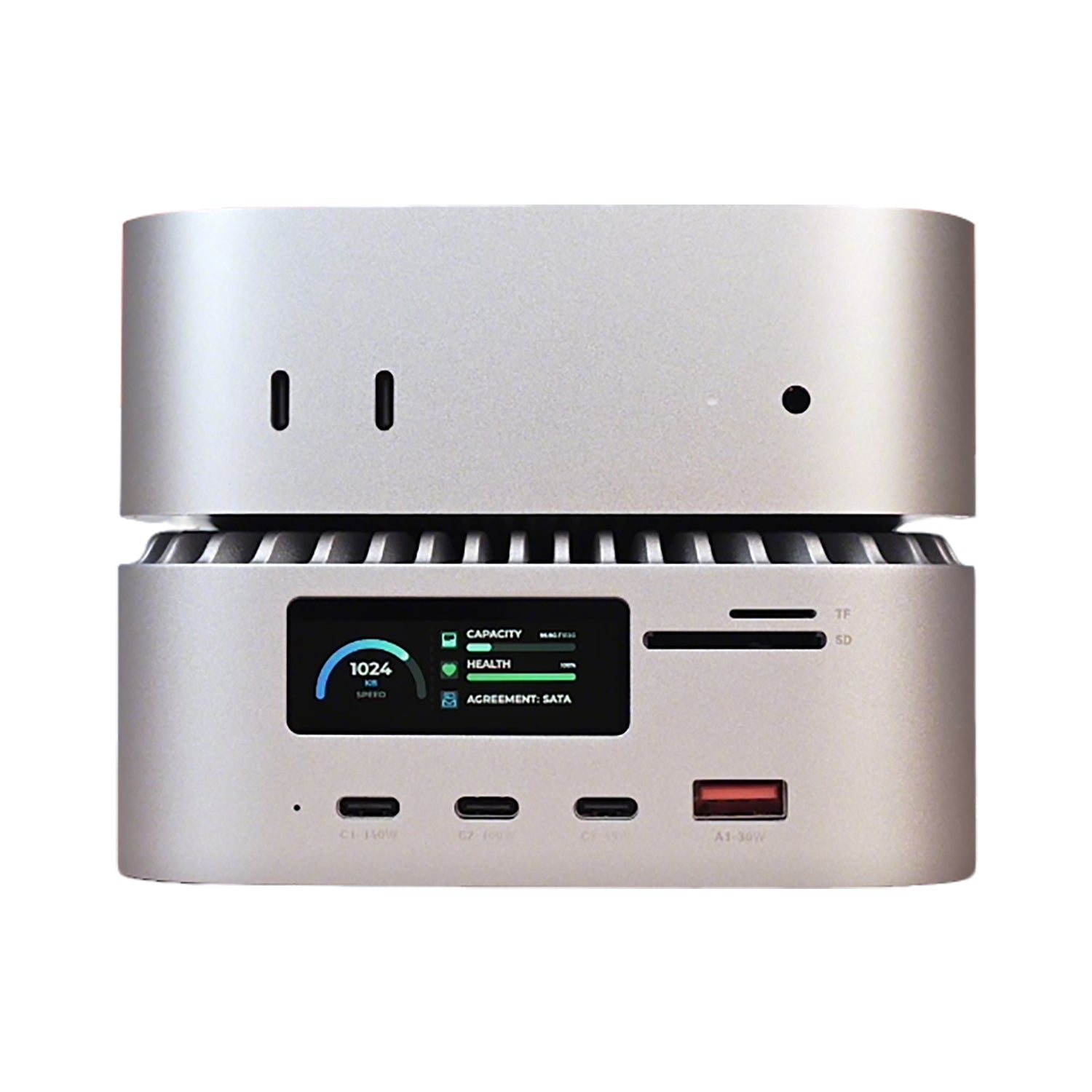
Mac mini M4 Survival Guide: What Newbies Actually Need to Know
Quick Summary: The 2026 Mac mini M4 ($599) is a performance beast with a few "Apple-style" quirks— highway-robbery SSD prices. For AI enthusiasts and pros, the secret formula is: Base Model + RayC...
The OpenClaw Revolution: Why Local AI is Killing the "Chatbot" Era
In early 2026, the AI landscape shifted. While Big Tech was busy upselling monthly subscriptions for "smarter" LLMs, a project called OpenClaw (affectionately dubbed "Little Shrimp" by its cult fol...
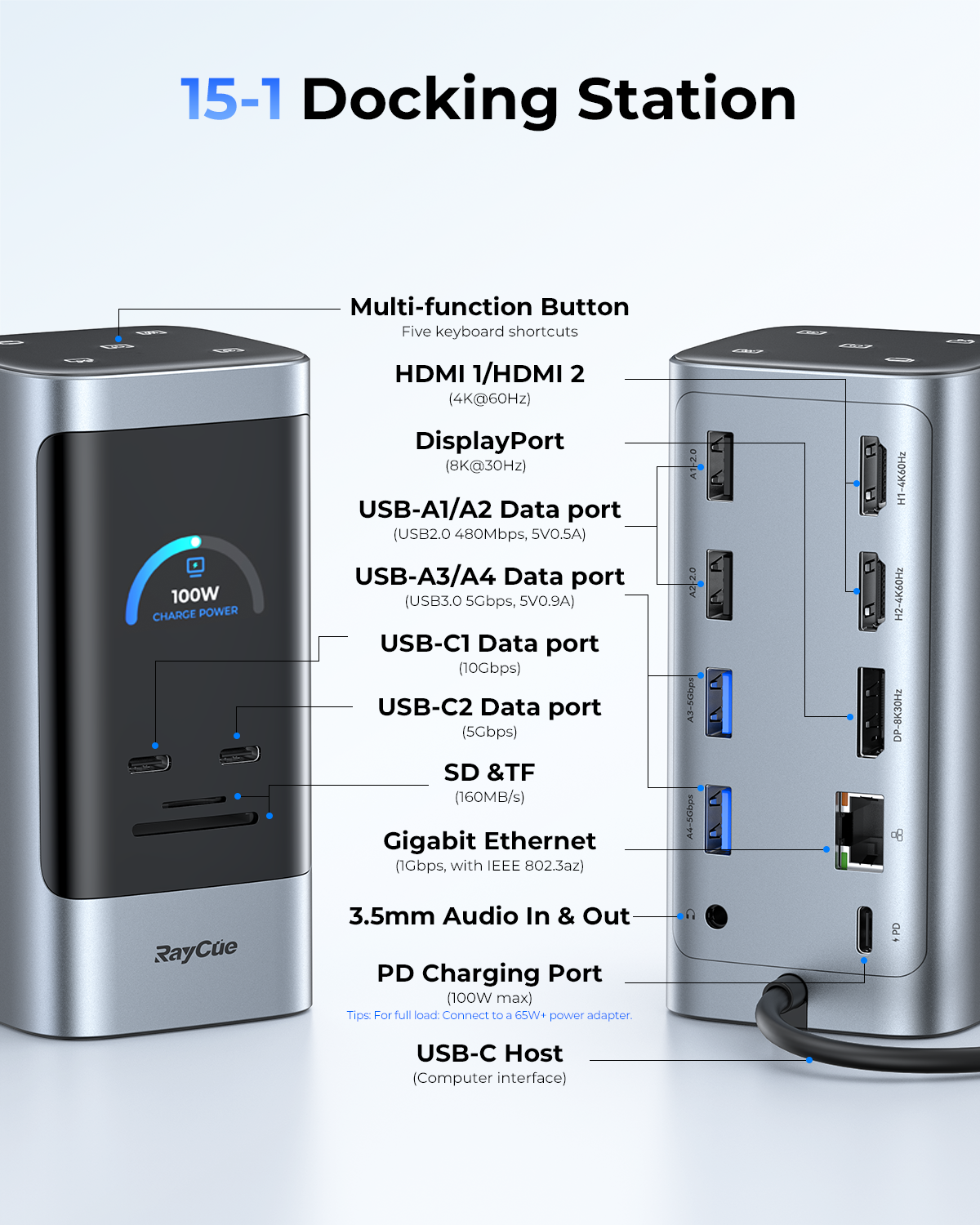
RayCue Unify15 Review: How to Drive 4x 4K Displays with a Single Laptop?
The RayCue Unify15 (15-in-1 Quad Display Docking Station) changes the game. Unlike most multi-screen docks on the market, the Unify15 delivers massive connectivity with a True Plug-and-Play experie...
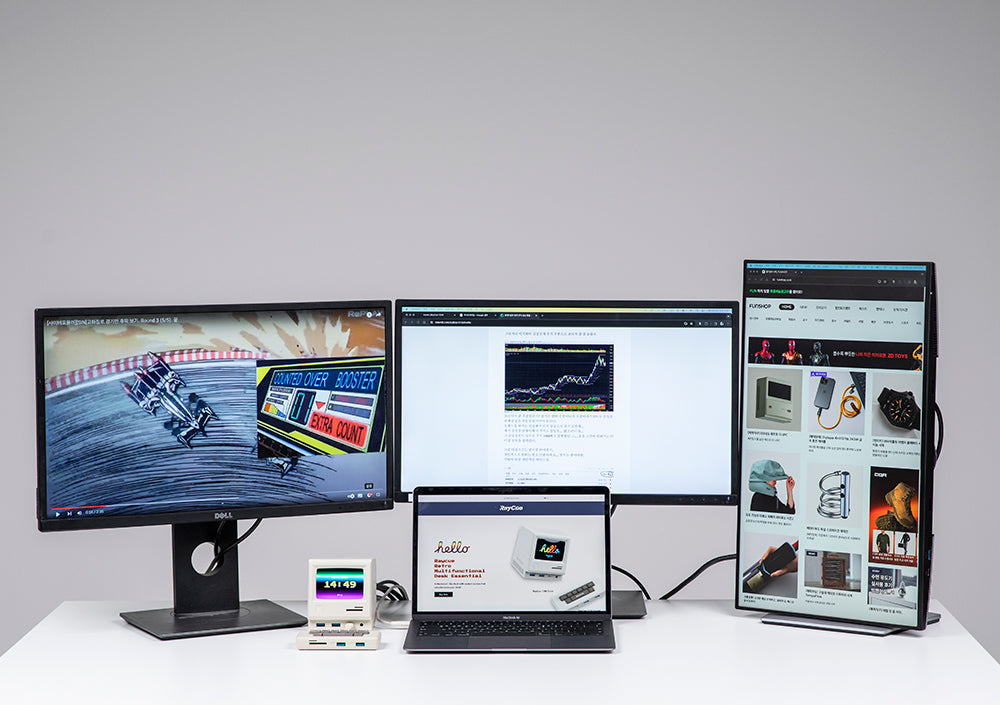
M1 / M2 / M3 Mac Can’t Run Multiple External Displays?
RayCue 128K Pro Deep Dive: A Complete Triple-Display Guide for Professionals For many MacBook users, the frustration starts the moment productivity grows. You buy a powerful M-series Mac — fast CPU...
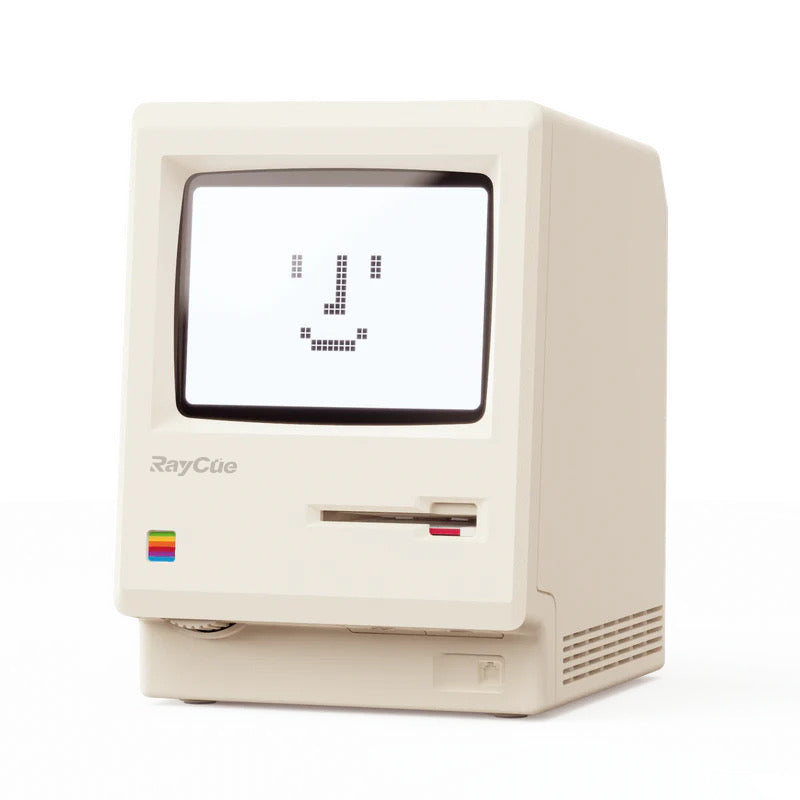
Looks Are Power: Why This “Mini Macintosh” Dock Is the Desk Accessory Everyone Wants in 2026
In a world where most docking stations look like anonymous black boxes, the RayCue 128K Retro-Style Multifunctional Dock with Display dares to be different. It doesn’t just expand your ports — it b...