

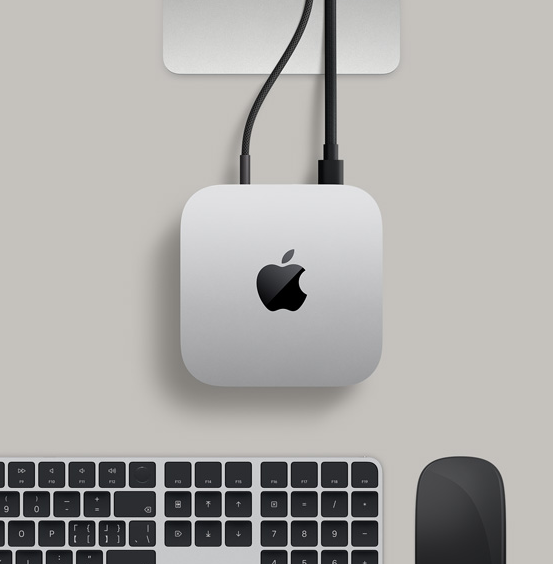
Quick Summary: The 2026 Mac mini M4 ($599) is a performance beast with a few "Apple-style" quirks— highway-robbery SSD prices. For AI enthusiasts and pros, the secret formula is: Base Model + RayCue 10-in-1 SSD Hub.
01. The Configuration Trap: RAM is King, Storage is a Tax
In the era of Local AI (OpenClaw) and 4K video rendering, memory is your most valuable asset. However, Apple’s internal SSD pricing remains a significant "Apple Tax."
The 2026 Price Comparison (USD)
| Upgrade Component | Apple Official Price | The RayCue Strategy |
| 256GB to 1TB SSD | +$400 | ~$100 (2TB External) |
| Memory (16GB to 24GB) | +$200 | Mandatory for AI |
| Value Rating | ⭐ (Avoid) | ⭐⭐⭐⭐⭐ (Recommended) |
Pro Tip: Buy the 24GB RAM / 256GB SSD "Golden Tier" model. Use external storage for your heavy lifting.
02. Connectivity & The "Shrimp Cage" Meta
For the community running OpenClaw (the "Little Shrimp" AI agent), the Mac mini has become the ultimate "Shrimp Cage"—a 24/7 dedicated AI server. But constant background inference requires more than just a chip; it needs Infrastructure.
- Thermal Headroom: Continuous AI tasks generate heat.
- Port Scarcity: A bare-bones Mini runs out of ports the moment you connect your AI’s "limbs."
🛠️ Infrastructure Optimization: The RayCue M4 Pro Dock
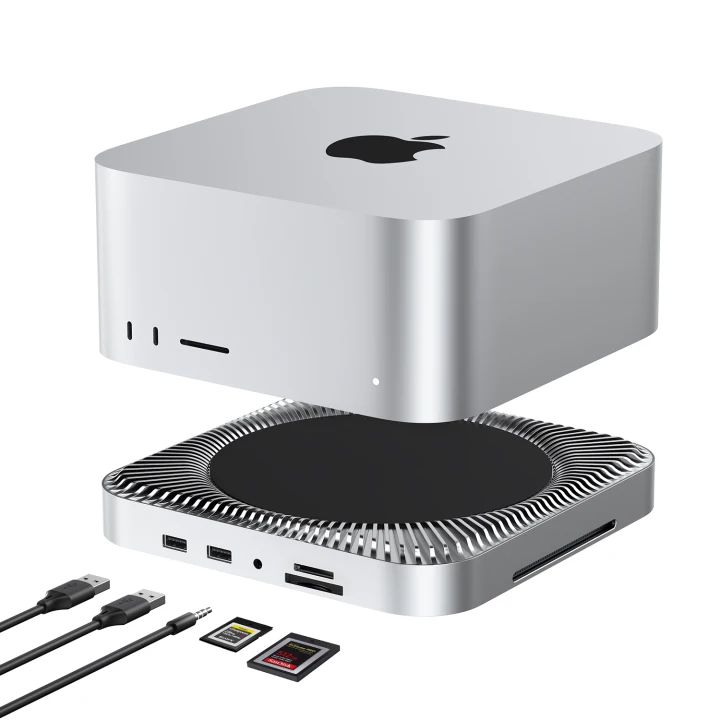
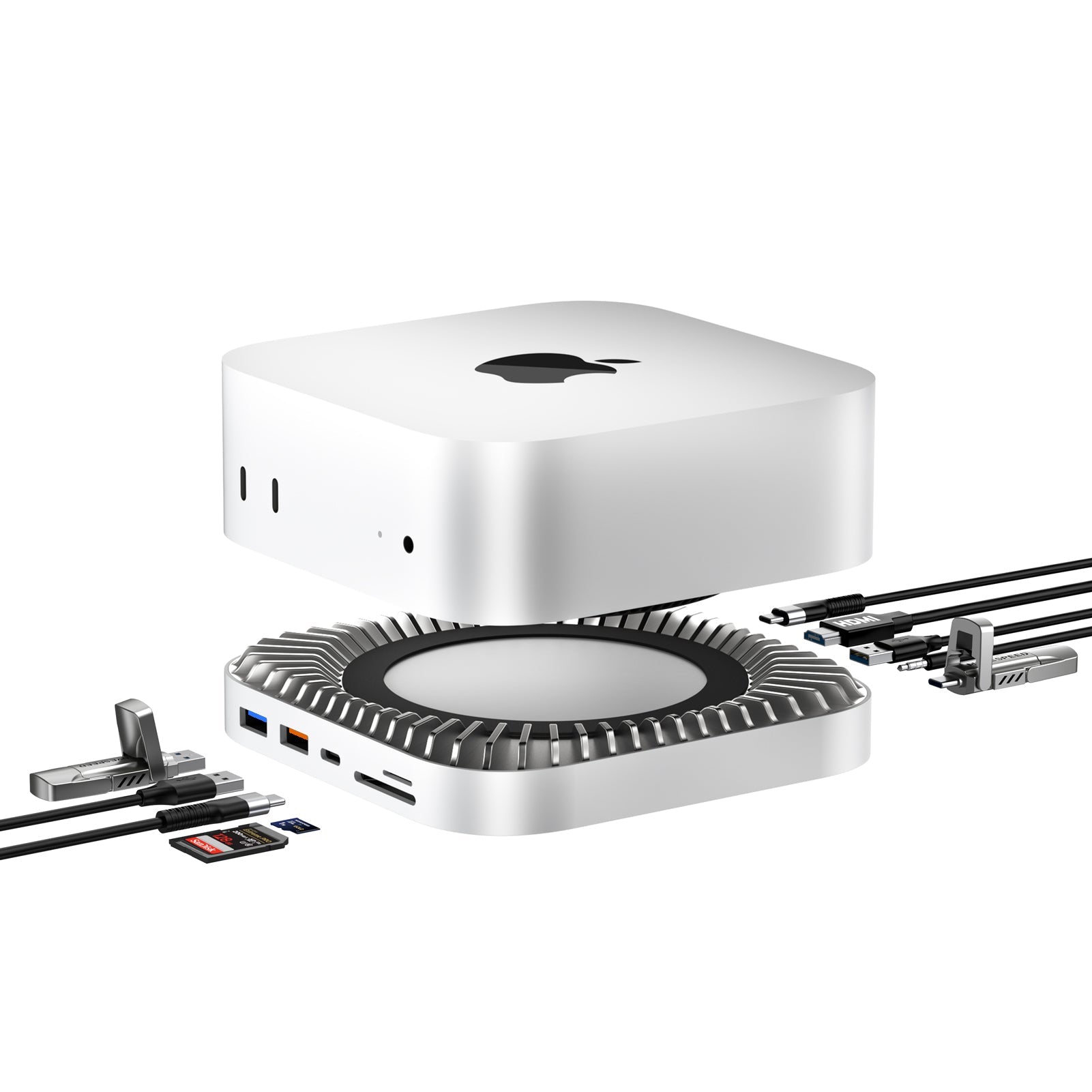
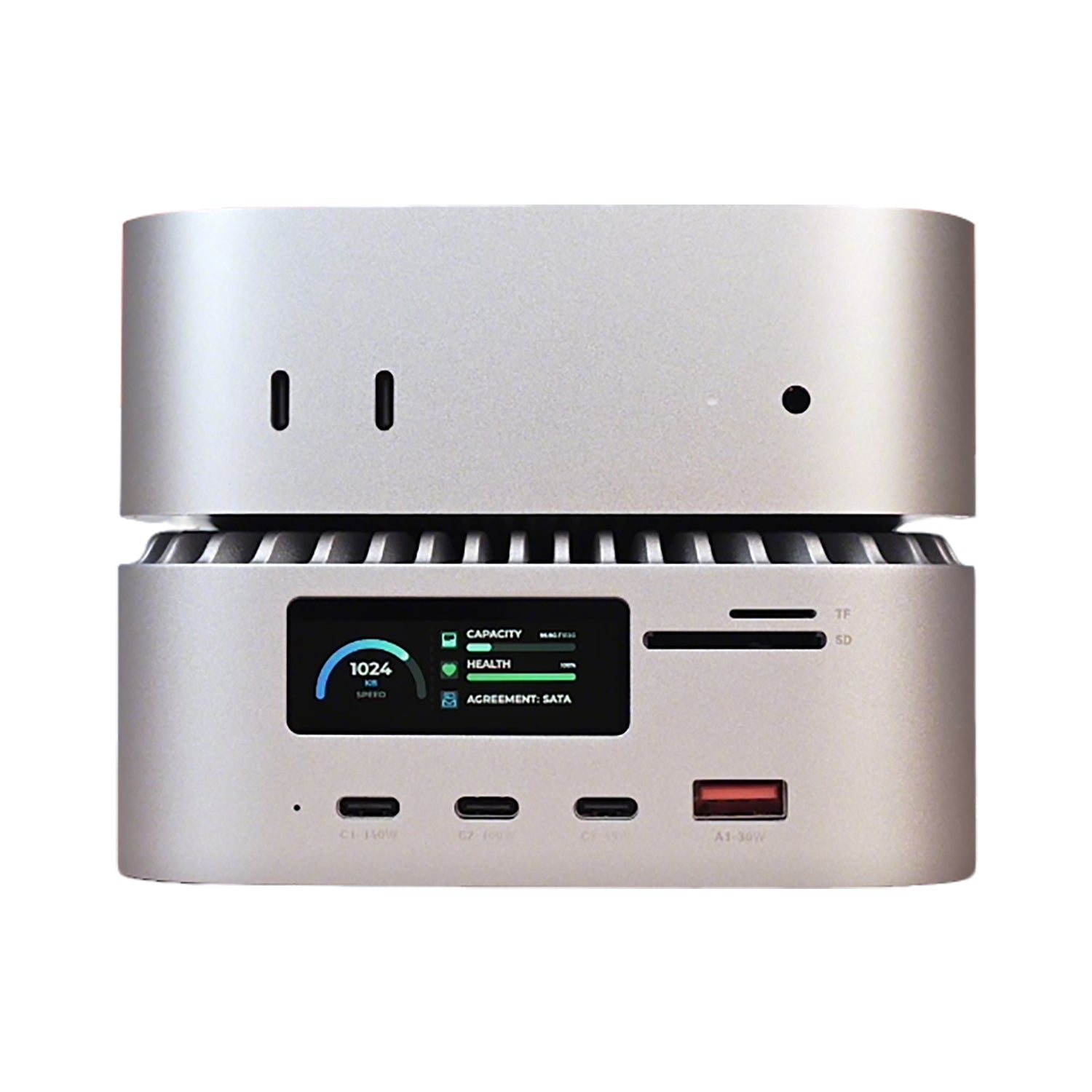
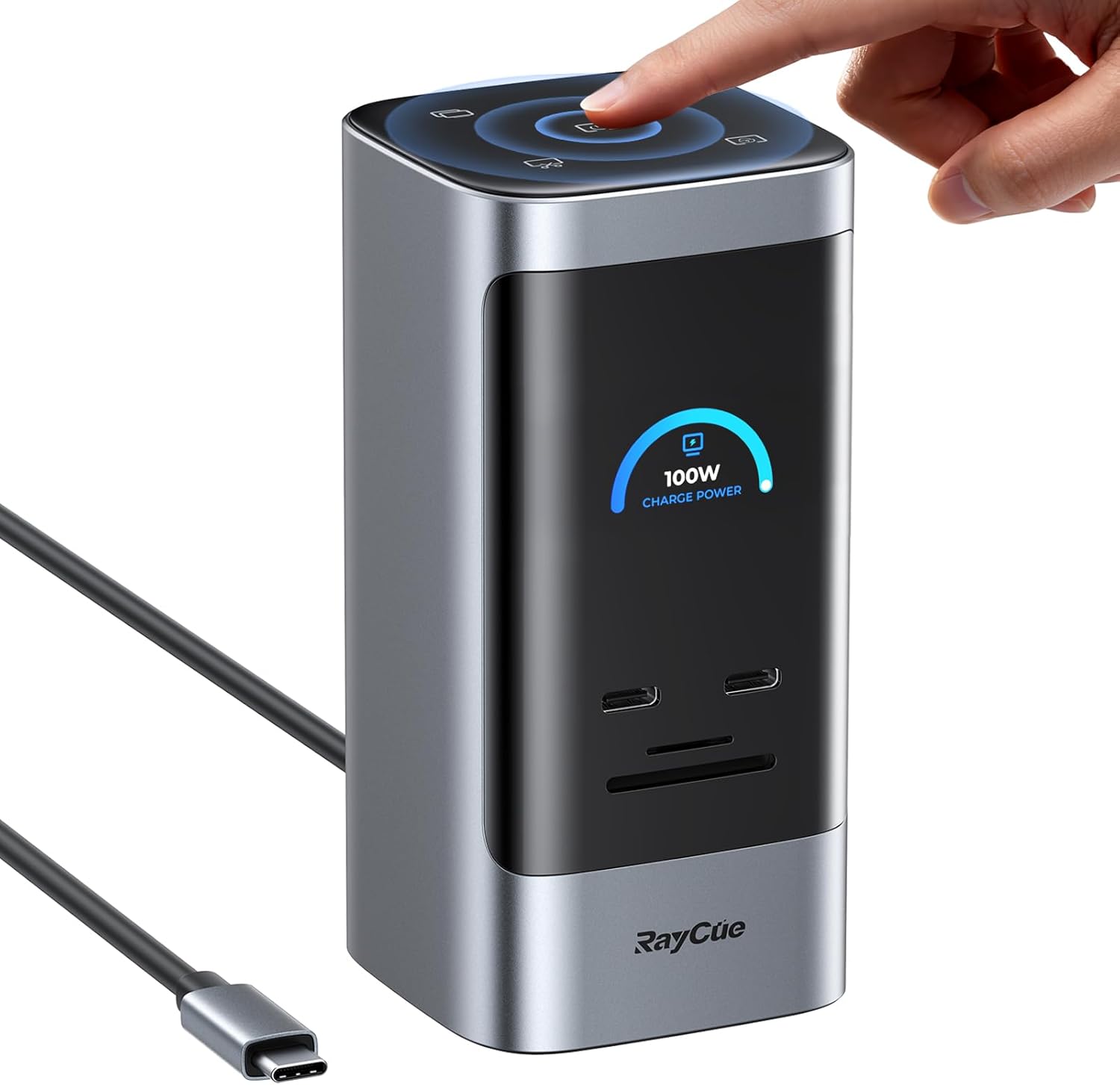
To bridge the gap between "Consumer Mini" and "Pro Workstation," the RayCue 10-in-1 Type-C Stand Hub is the essential hardware layer for your M4 brain.
Key Features for AI Workflows:
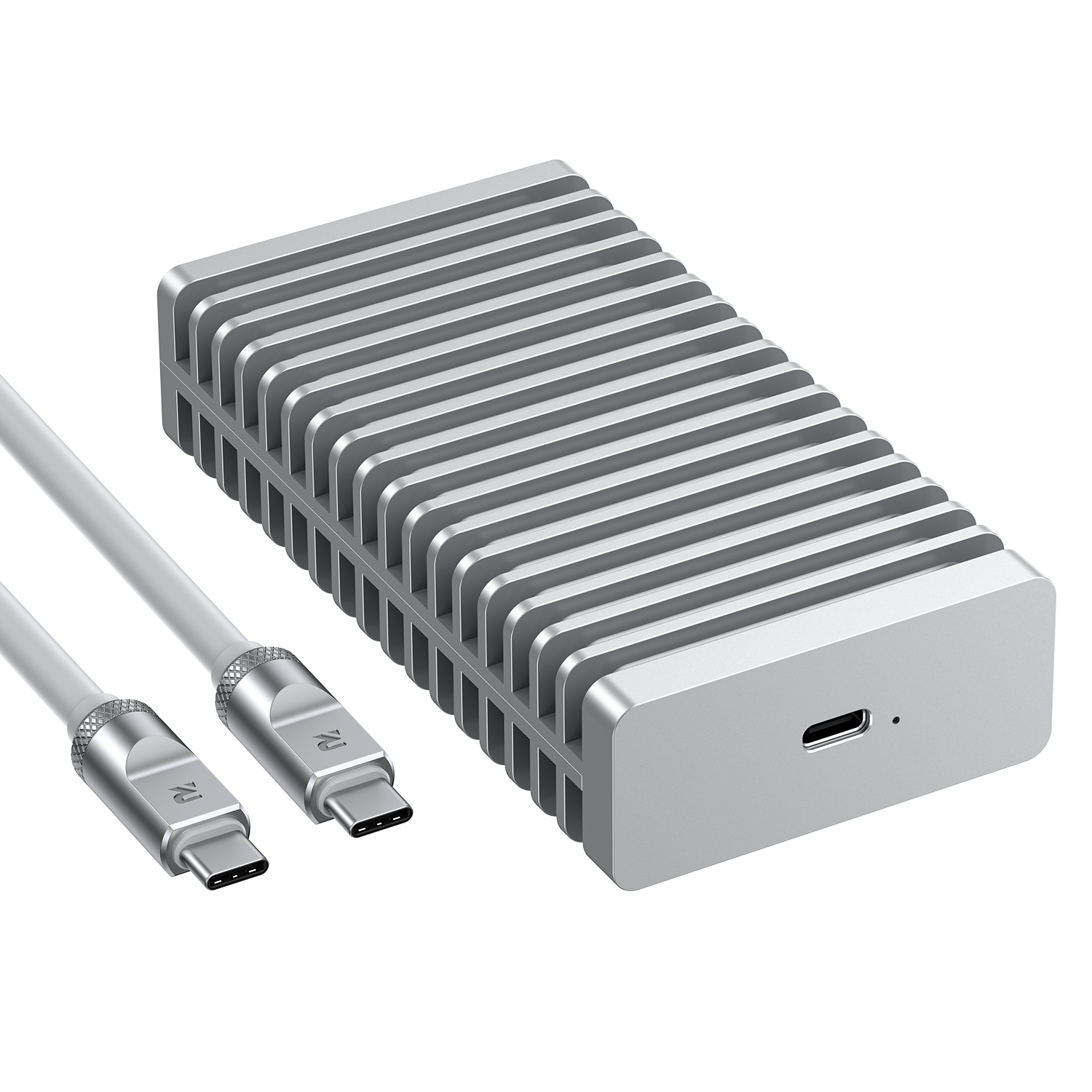
- 🗄️ Dual SSD Memory Vaults: Supports both NVMe and 2.5" SATA. Bypass the Apple Tax while securing your AI's long-term memory logs locally and privately.
- ⚡ Front-Facing 10Gbps Efficiency: No more reaching behind the desk. Includes SD 4.0 slots, critical for 2026 creative workflows.
- 🖥️ Triple 4K Vision: Drive three monitors simultaneously. Perfect for dedicating one vertical screen purely to your autonomous AI’s thought process and logs.
💡 Frequently Asked Questions (FAQ)
Q: How can I expand Mac mini M4 storage without voiding the warranty?
A: The most effective method is using a dedicated SSD Dock like the RayCue Stand Hub. It allows for high-speed NVMe expansion at a fraction of Apple's internal upgrade cost.
Q: Is 16GB RAM enough for local AI in 2026?
A: 16GB is the bare minimum. For proactive AI agents like OpenClaw, 24GB is the recommended sweet spot to prevent system throttling during intense multi-step reasoning.

lasu komenton
Ĉiuj komentoj estas moderigitaj antaŭ esti publikigitaj.
This site is protected by hCaptcha and the hCaptcha Privacy Policy and Terms of Service apply.