

RayCue 128K Pro Deep Dive: A Complete Triple-Display Guide for Professionals
For many MacBook users, the frustration starts the moment productivity grows.
You buy a powerful M-series Mac — fast CPU, efficient GPU, incredible battery life — only to discover a hard limitation:
most base M1 / M2 / M3 Macs officially support just one external display.
For developers, designers, traders, and serious office users, one screen is never enough.
That’s where the RayCue 128K Pro 14-in-1 Dock enters the conversation — not as a decorative accessory, but as a real solution to a long-standing Mac limitation.
The Real Pain Point: Why Most M-Series Macs Struggle With Multi-Monitor Setups
Apple’s base M-series chips (M1, M2, M3 non-Pro/Max) are limited by native display pipelines.
Out of the box, they typically support:
- 1 external display (plus the built-in screen)
- No native triple-screen support
- Mirroring instead of true extended desktops
This is a constant pain point for:
- Programmers juggling IDE + documentation + terminal
- Financial professionals monitoring dashboards
- Creators managing timelines, previews, and tools
- Office users working with spreadsheets, meetings, and browsers simultaneously
Search terms like “M1 Mac multiple monitors” or “MacBook M2 triple display” exist for a reason — this is a real productivity bottleneck.
The Key Technology: DisplayLink Explained (In Simple Terms)
The RayCue 128K Pro solves this limitation using DisplayLink technology.
What DisplayLink Does
Instead of relying solely on the Mac’s native display output, DisplayLink:
- Uses a USB data channel to transmit video
- Compresses display data efficiently
- Allows multiple extended displays, even on Macs that officially support only one
What This Means in Practice
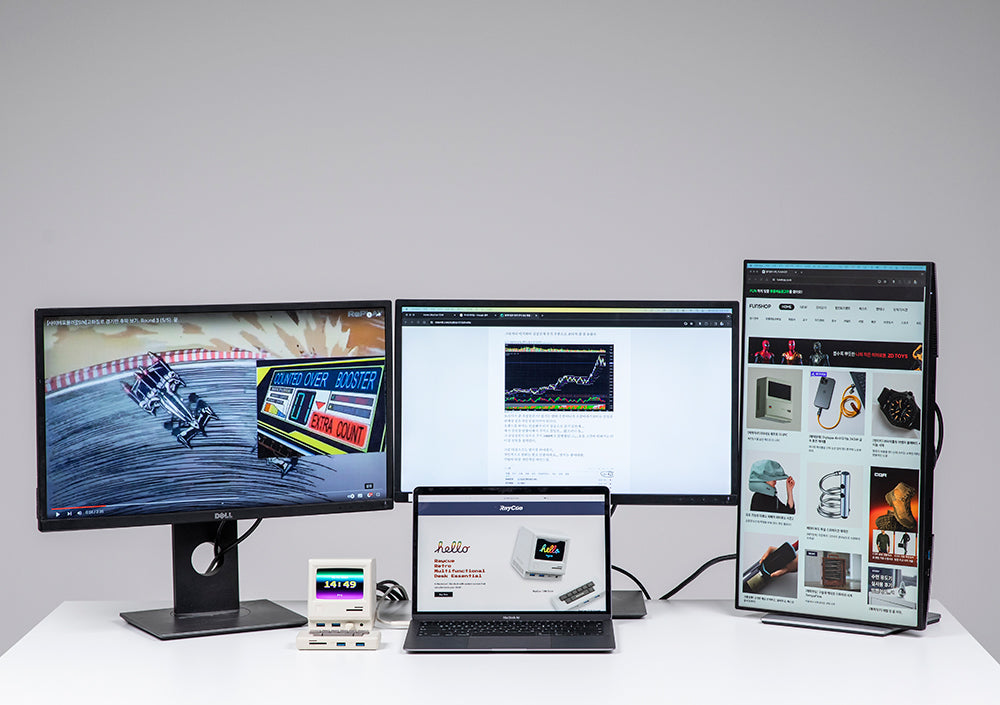
With DisplayLink enabled, the RayCue 128K Pro can deliver:
- Up to three external displays
- True extended desktops (not just mirroring)
- Stable performance for productivity workflows
For professionals, this turns a single-screen MacBook into a full desktop workstation.
Triple-Display Setup: Real Productivity Gains
With the RayCue 128K Pro, a common setup looks like this:
- Screen 1: Code editor or primary workspace
- Screen 2: Browser, documentation, Slack, or dashboards
- Screen 3: Terminal, preview window, or reference materials
Instead of constantly switching windows, everything stays visible — saving time, reducing mental load, and improving focus.
For developers and heavy multitaskers, this alone justifies the dock.
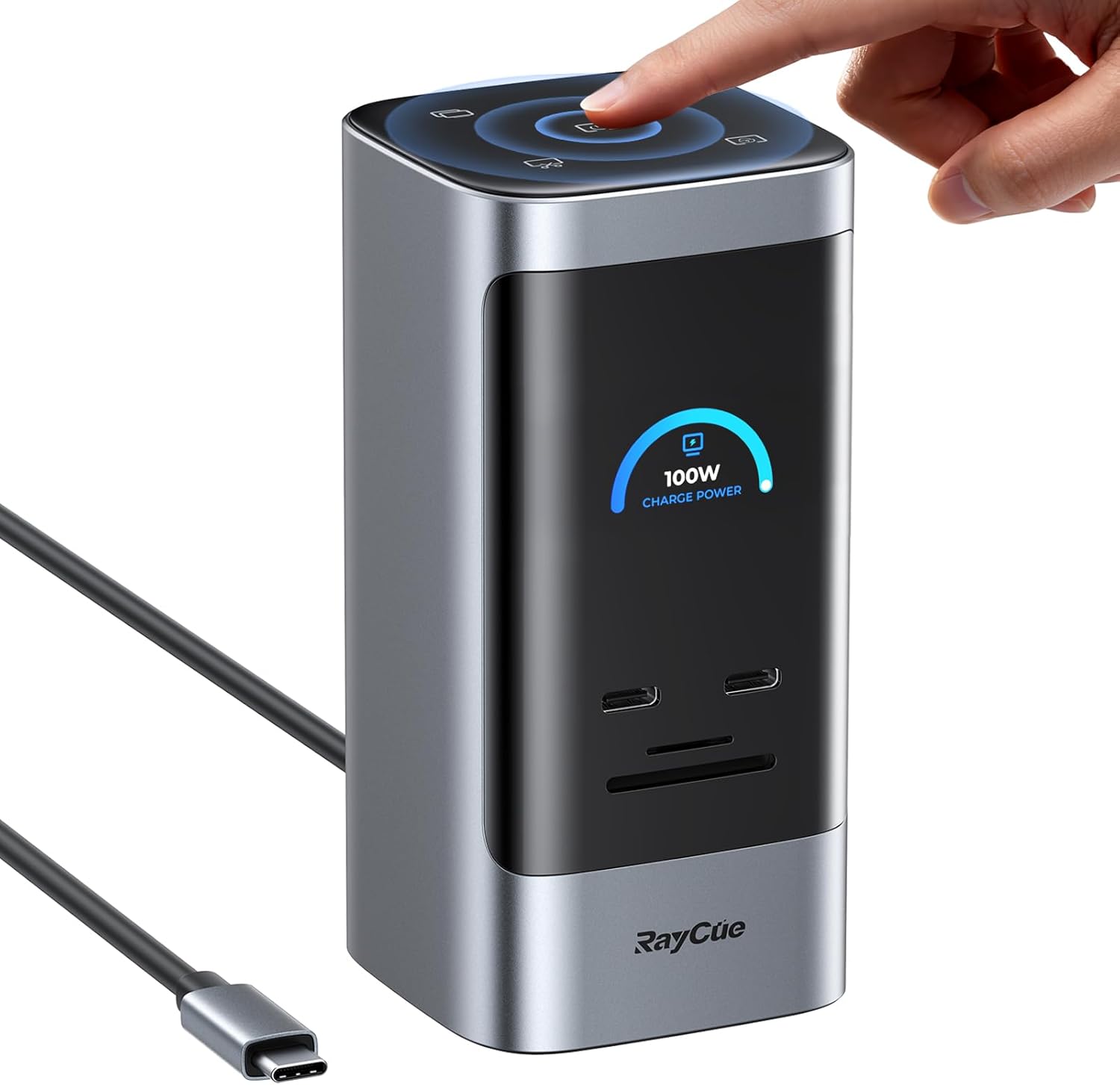
Hardware Breakdown: What the RayCue 128K Pro Offers
Beyond DisplayLink, the 128K Pro is built to handle serious daily workloads.
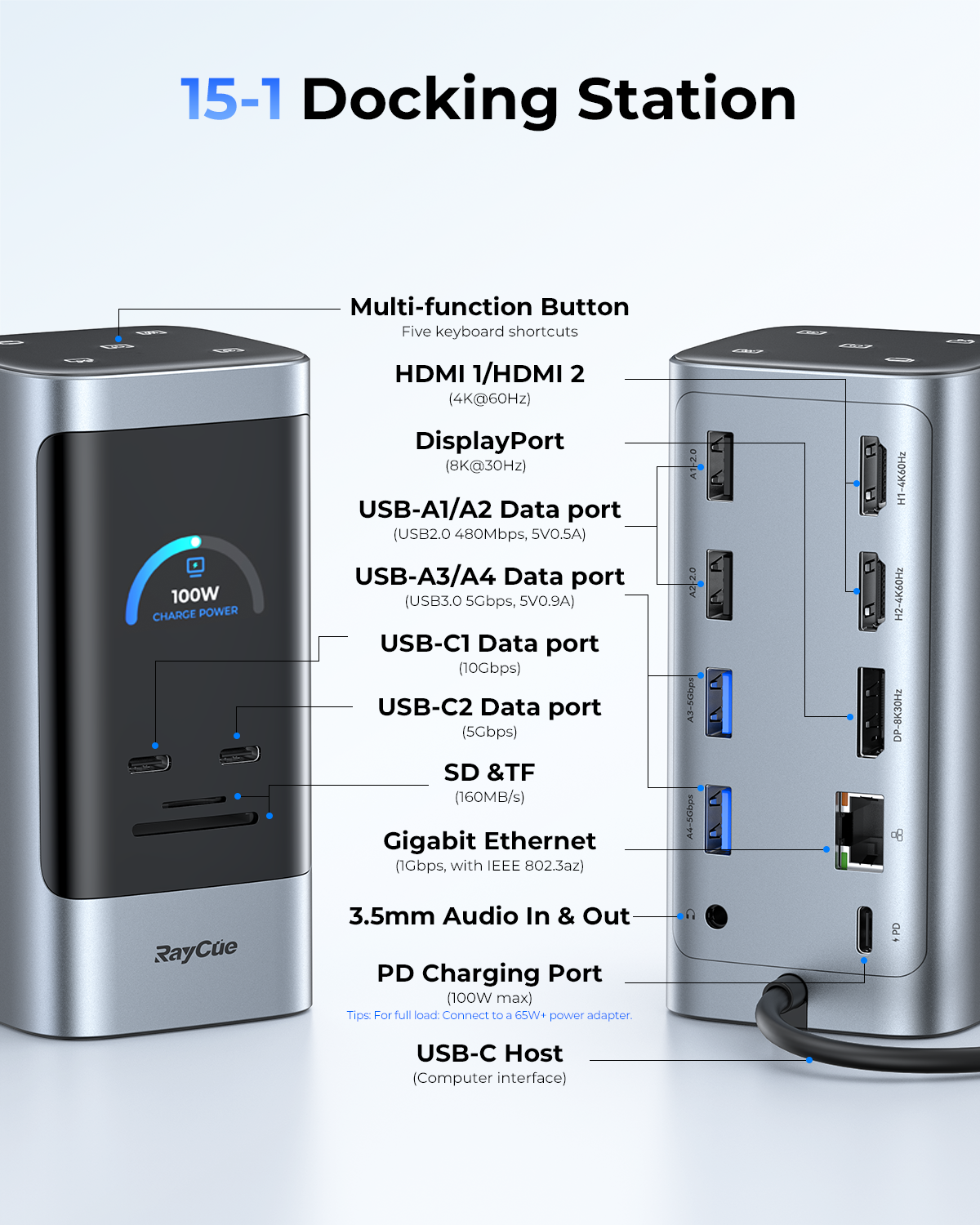
Key Specifications
-
100W PD Fast Charging
Powers your MacBook at full speed while driving multiple displays -
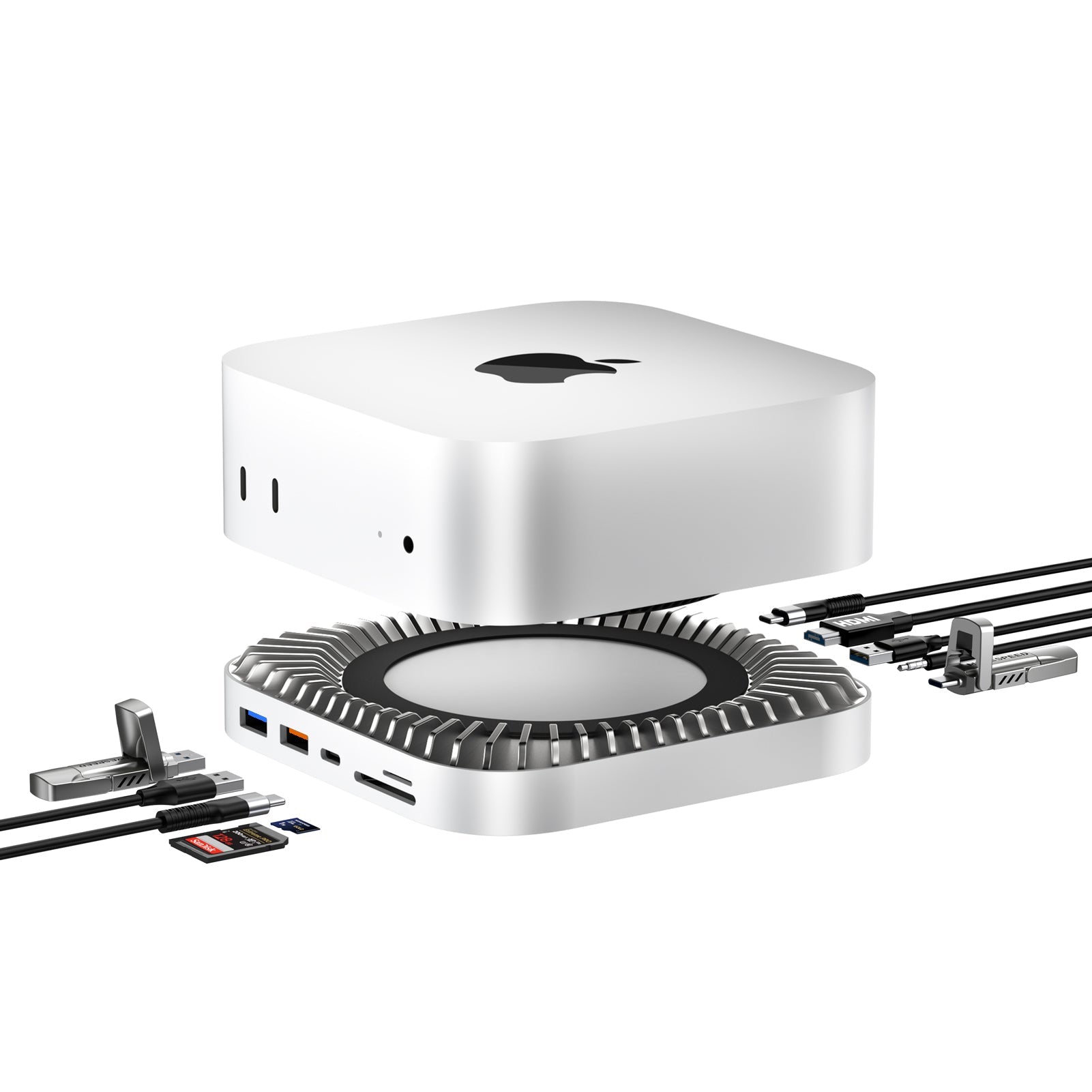
4K @ 60Hz HDMI Output
Smooth visuals for coding, design, and office work -
SD / TF 4.0 Card Readers
Faster file transfers for photographers, videographers, and creators -
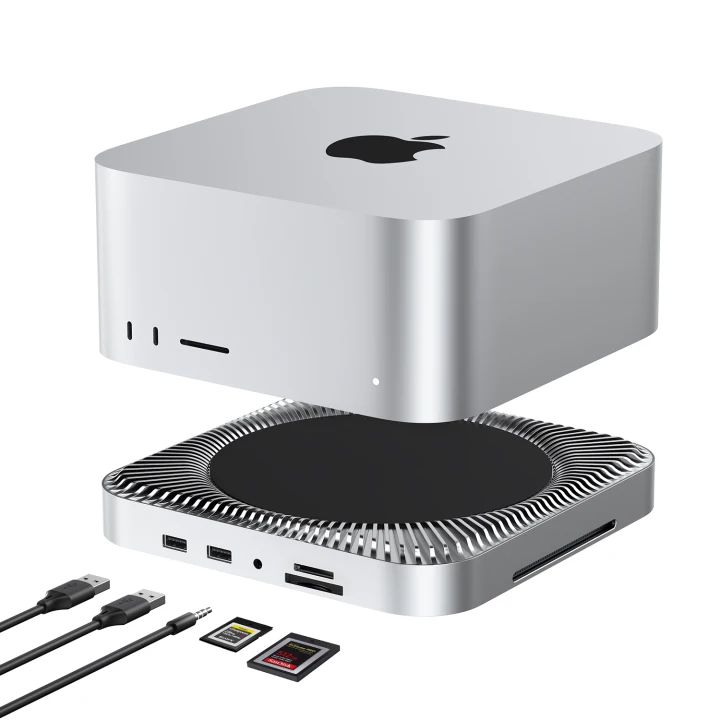
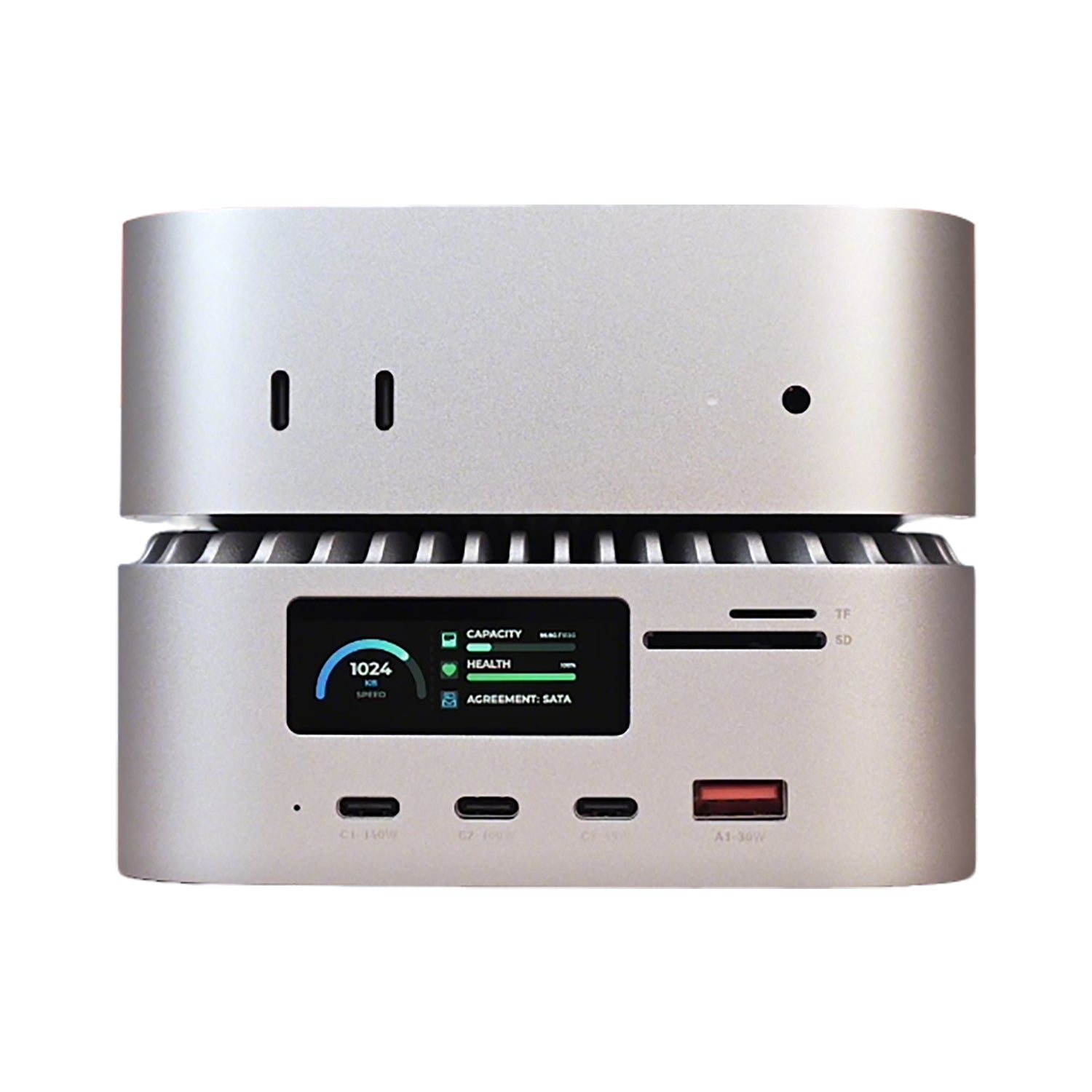
Multiple USB-A & USB-C Ports
Keyboard, mouse, SSDs, audio interfaces — all connected at once -
Single-Cable Desktop Experience
One cable in, entire workstation ready
This is not a minimalist travel dongle — it’s a full desktop hub.
128K Standard vs 128K Pro: What’s the Difference?
Choosing the right version matters. Here’s a clear comparison:
RayCue 128K Standard
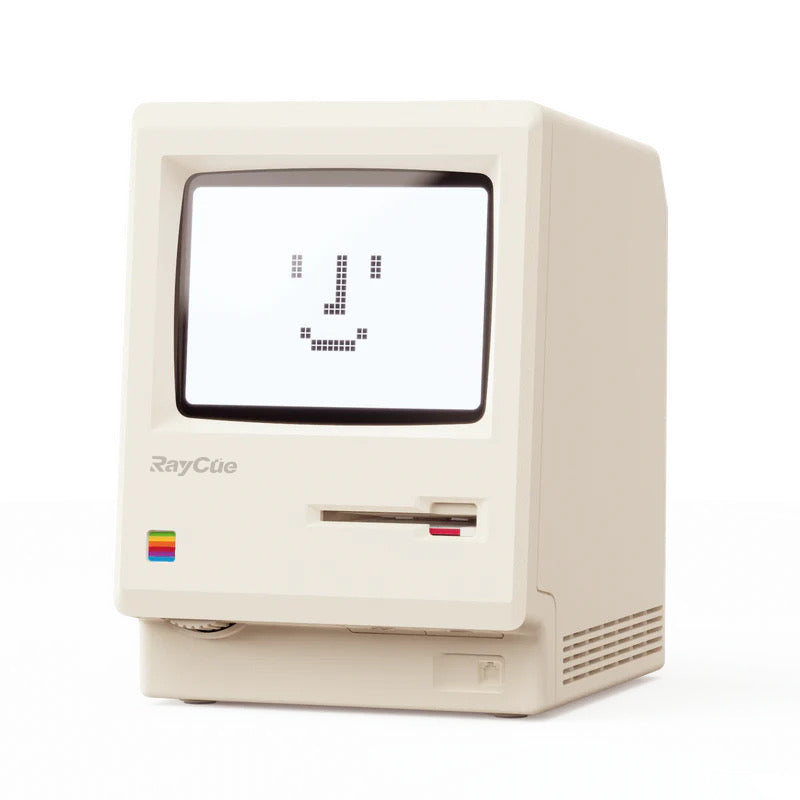
- Retro design with display screen
- Single external display (or mirrored output)
- Ideal for:
- Minimal desk setups
- Users who prioritize aesthetics
- Casual office workflows
RayCue 128K Pro
- Everything in the standard version, plus:
- DisplayLink support
- Up to three external displays
- Designed for:
- Developers
- Professional office users
- Multi-monitor power users
If multi-screen productivity is your priority, the Pro version is the clear choice.
Who Should Choose the RayCue 128K Pro?
This dock is especially suited for:
- Programmers & engineers needing multiple code views
- Remote professionals building full home offices
- Data-driven roles monitoring dashboards and reports
- MacBook users frustrated by Apple’s display limits
If your workflow depends on screen real estate, this dock unlocks the full potential of your Mac.
Final Verdict
The RayCue 128K Pro is not just another dock with ports.
It’s a workstation enabler.
By combining DisplayLink multi-display technology, 100W power delivery, and professional-grade connectivity, it turns even entry-level M-series Macs into serious multi-screen machines.
If you’ve ever thought:
“My Mac is powerful, but my setup feels limited.”
This dock is the fix.
👉 Explore the RayCue 128K Pro here:https://www.raycue.com/products/raycue-128k-retro-style-multifunctional-dock-w-display?sca_ref=9853343.IeZwyRAj1em

Laisser un commentaire
Tous les commentaires sont modérés avant d'être publiés.
Ce site est protégé par hCaptcha, et la Politique de confidentialité et les Conditions de service de hCaptcha s’appliquent.