
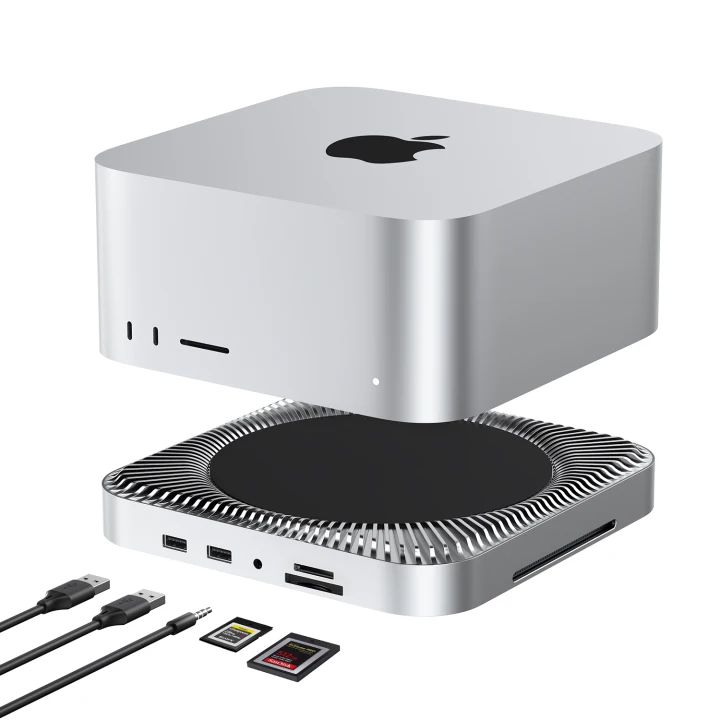
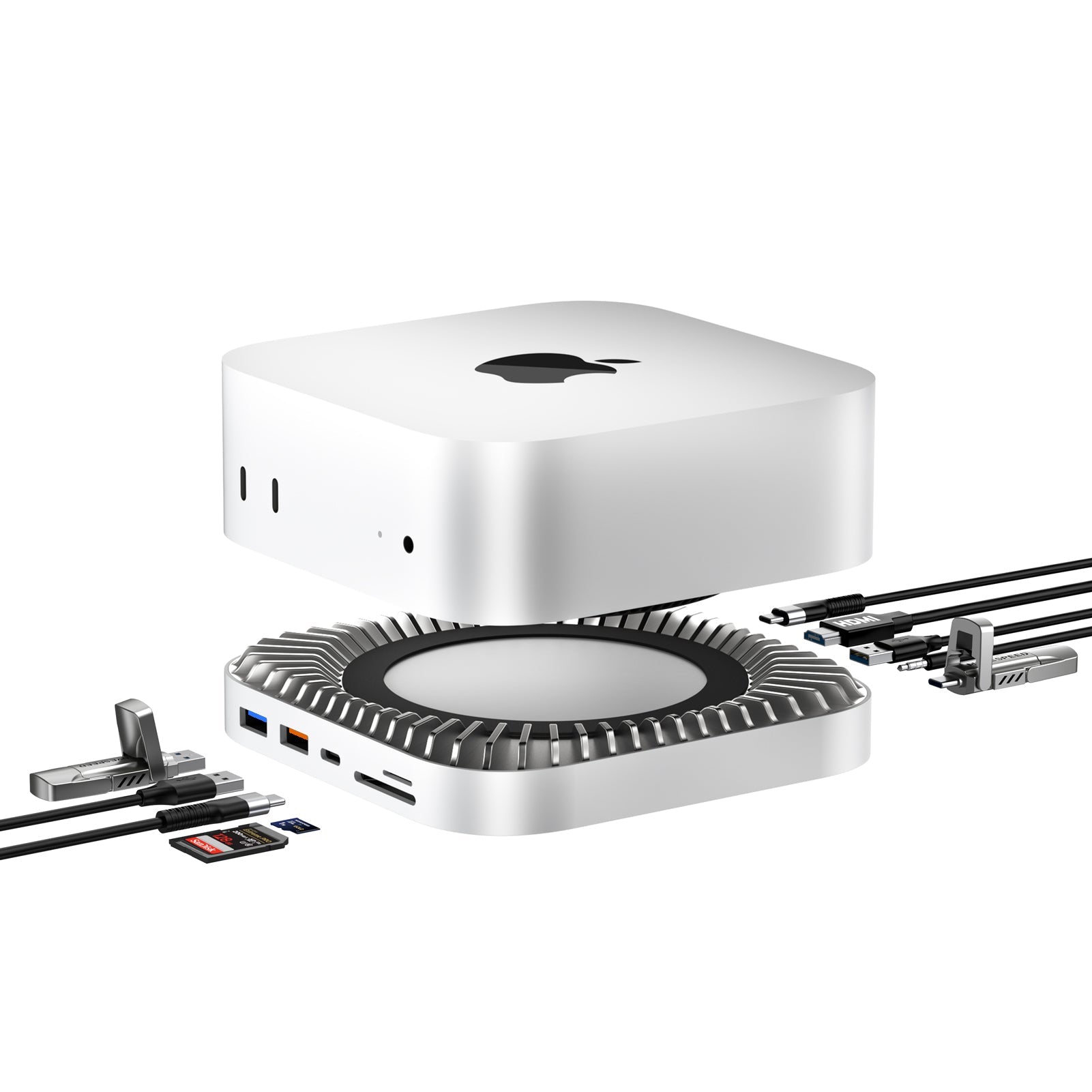
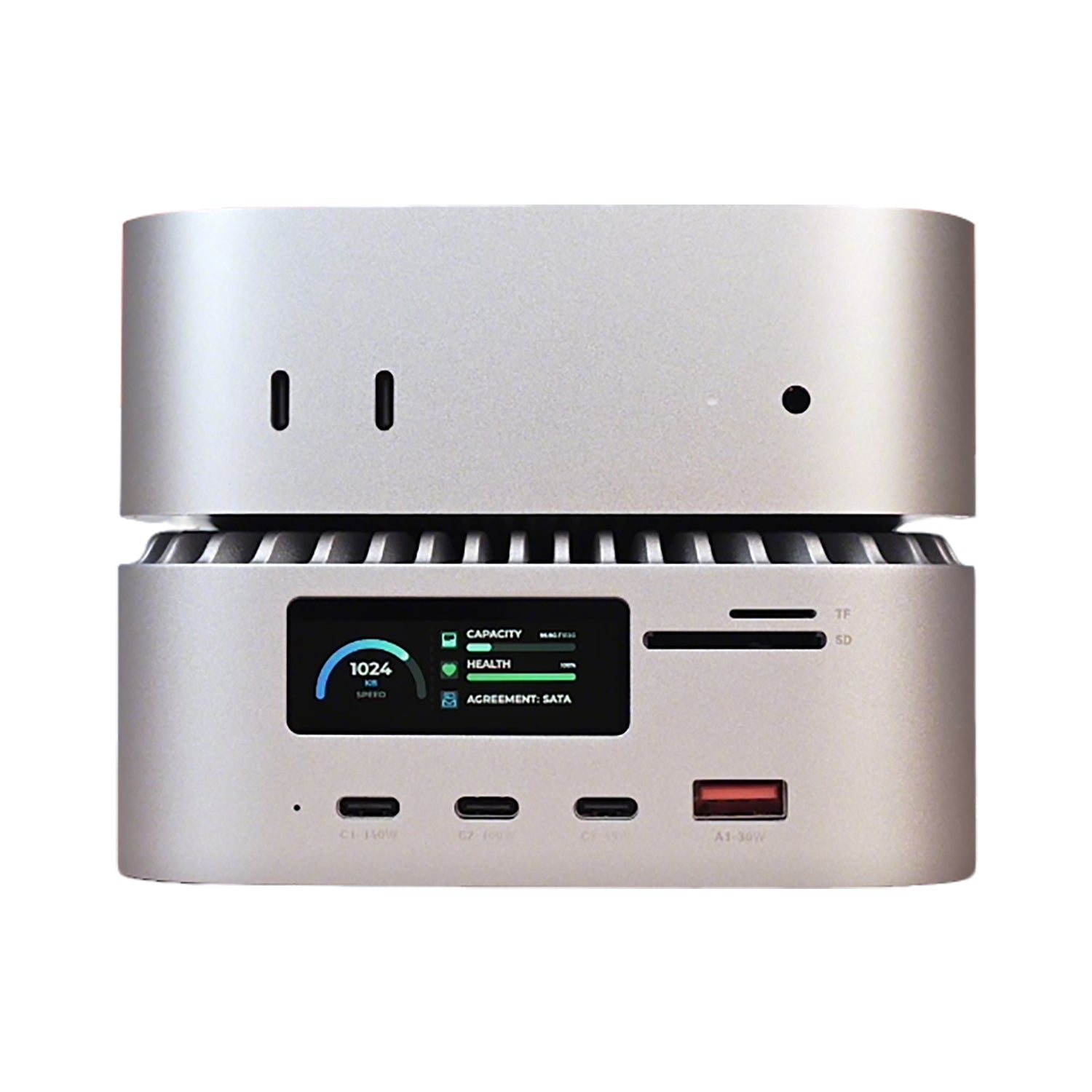

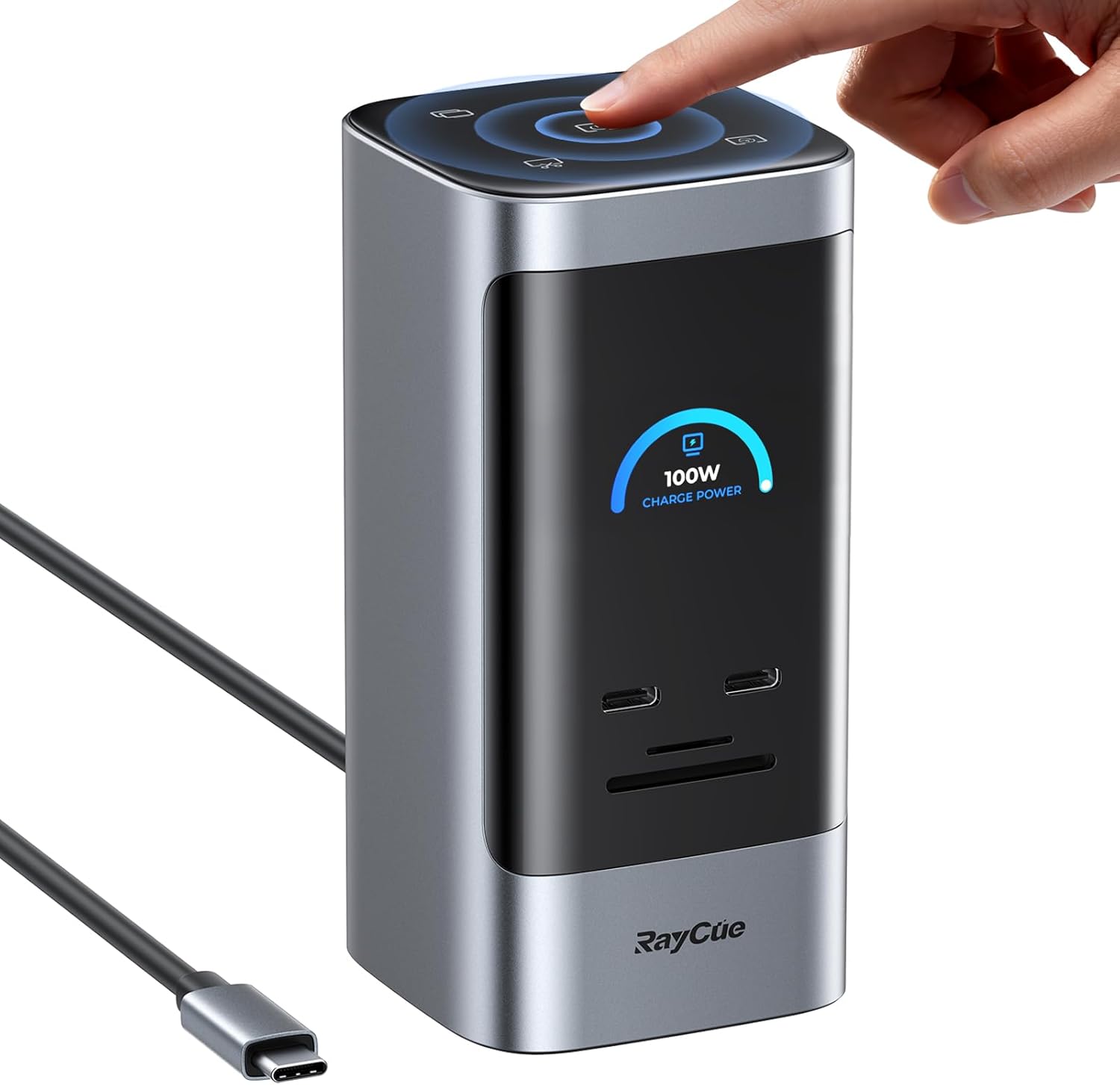

The RayCue Unify15 (15-in-1 Quad Display Docking Station) changes the game. Unlike most multi-screen docks on the market, the Unify15 delivers massive connectivity with a True Plug-and-Play experience. No drivers, no software, just pure hardware power.
1. The "No-Driver" Advantage: Why It Matters
Most quad-display docks use DisplayLink, which requires software to "simulate" video output. The RayCue Unify15 is different.
-
IT-Friendly: Since there’s no software to install, it’s perfect for office laptops with restricted administrative rights.
-
Native Performance: By using high-end hardware chips (MST) instead of software compression, you get a more stable, lag-free experience.
-
Instant Setup: Connect the cable, and your screens wake up instantly. No "DisplayLink Manager" icon sitting in your taskbar.
2. 15-in-1 Connectivity: The Ultimate Desk Command Center
The Unify15 is designed to be the "brain" of your workstation.
| Zone | Port Type | Performance Highlight |
| Video Output | 3x HDMI + 1x DP | 4K@60Hz native output without software lag |
| Data Speed | 3x USB 3.2 (10Gbps) | Perfect for high-speed NVMe external drives |
| Full Power | PD 3.0 (100W) | One cable charges your laptop and syncs all data |
| Legacy Ports | USB 2.0 + SD/TF | Dedicated ports for your mouse, keyboard, and camera cards |
3. Real-World Test: Driving 4 Screens Simultaneously
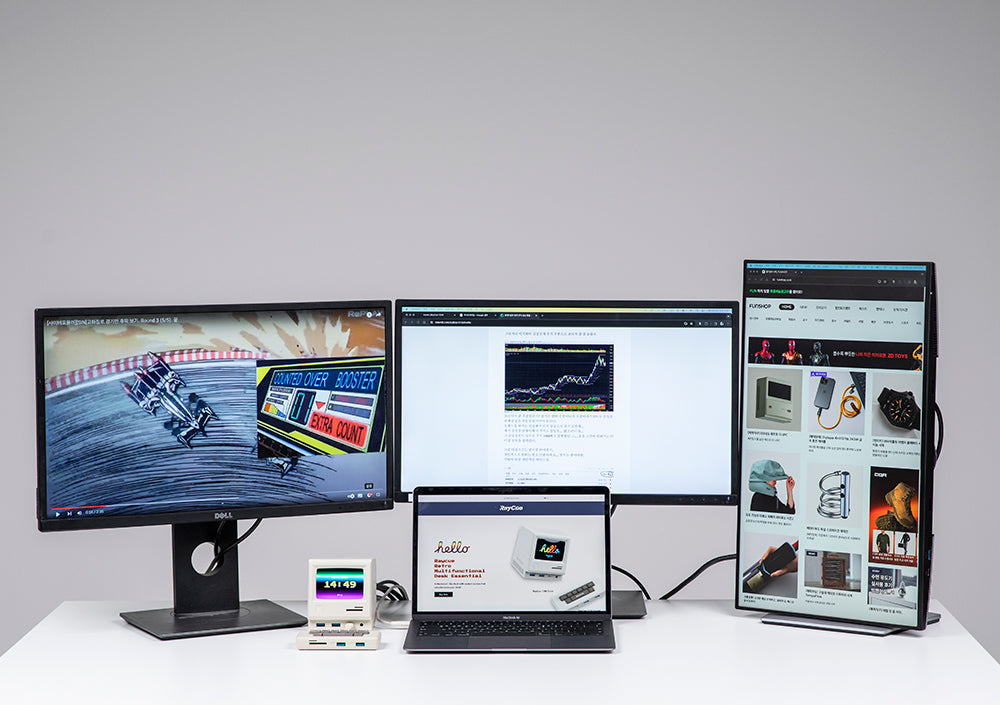
We tested the Unify15 on a high-end Windows workstation and a USB4-enabled laptop.
-
The Hookup: Plugged in the 100W power supply and connected the host cable to the laptop.
-
The Monitors: We populated all 4 ports (3x HDMI + 1x DP).
-
The Result: Windows immediately recognized all four displays. We were able to extend the desktop across 4 screens in 4K resolution effortlessly.
-
Note: For Mac users, please check your specific chip's MST support, as macOS handles multi-stream transport differently than Windows.
-
4. Design Built for Performance
Driving four monitors creates heat, but the Unify15 is built like a tank.
-
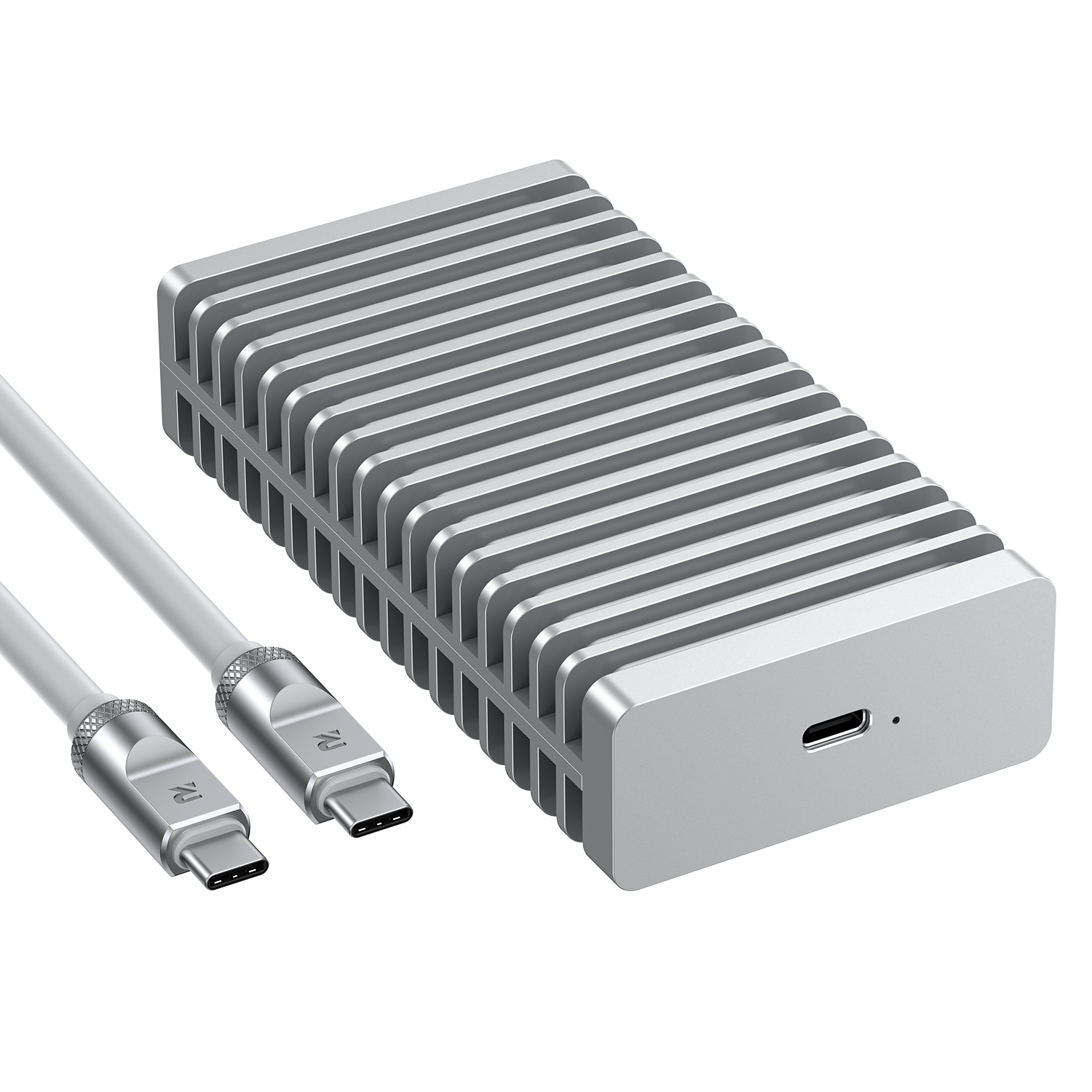
Aluminum Alloy Chassis: Acts as a giant heat sink to keep internal chips cool during 24/7 operation.
-
Vertical Orientation: Saves 50% more desk space compared to traditional "lying flat" docking stations.
-
Anti-Slip Base: Stays firmly in place even when all 15 ports are populated with heavy cables.
5. Final Verdict: The Best Driverless Hub of 2026?
The RayCue Unify15 is a rare find. Most manufacturers take the easy route with software-driven displays, but RayCue has opted for a superior, hardware-first approach.
-
Buy it if: You want a clean, professional setup without the hassle of software updates or driver crashes.
-
Best for: Engineers, Analysts, and Enterprise users who need maximum screen real estate with zero setup friction.
FAQ (SEO Optimized)
-
Do I need to install any software for RayCue Unify15? No. It is a completely driverless, plug-and-play docking station.
-
Does it support 4K 60Hz? Yes, it supports high-resolution 4K output across its video ports.
-
Is it compatible with Windows and Mac? It is compatible with both, though Windows users will benefit most from the Quad-Display MST features.

Laisser un commentaire
Tous les commentaires sont modérés avant d'être publiés.
Ce site est protégé par hCaptcha, et la Politique de confidentialité et les Conditions de service de hCaptcha s’appliquent.